Key Takeaways:
- Small businesses use an average of 87 SaaS applications, and the majority of these subscriptions are first-order substitutes rather than addressing different use cases.
- McKinsey’s 2025 State of AI survey, 88 percent of organizations use AI on a regular basis, but only six percent believe they derive substantial financial benefit from their efforts.
- An off-the-shelf AI assistant is not a replacement for purpose-built applications that are each responsible for a complete end-to-end workflow.
- The review process for selecting such tools should be started with the most expensive items in the current technology stack rather than searching for the latest SaaS category.
- A functioning AI stack requires a responsible owner for every single business process that is handled by an automated tool, not only a user base and a billing detail.
Most “best AI tools” lists suggest ChatGPT, Claude, Gemini, and Microsoft Copilot and if you’re looking for something more specialized, a roundup of Phind AI alternatives covers the search-and-code side of that same category. That advice is already six months out of date when the article is published, and every small business owner has one of these already open in a browser tab as they read this.
The real opportunity cost of an AI chatbot is the operations it fails to automate: the support tickets that ask the same three questions, the unprotected calendar, the documentation saved in four different places. Small business AI tools only provide subscribers with value if it takes over one of these workflows wholesale, not through another prompt-generating interface.
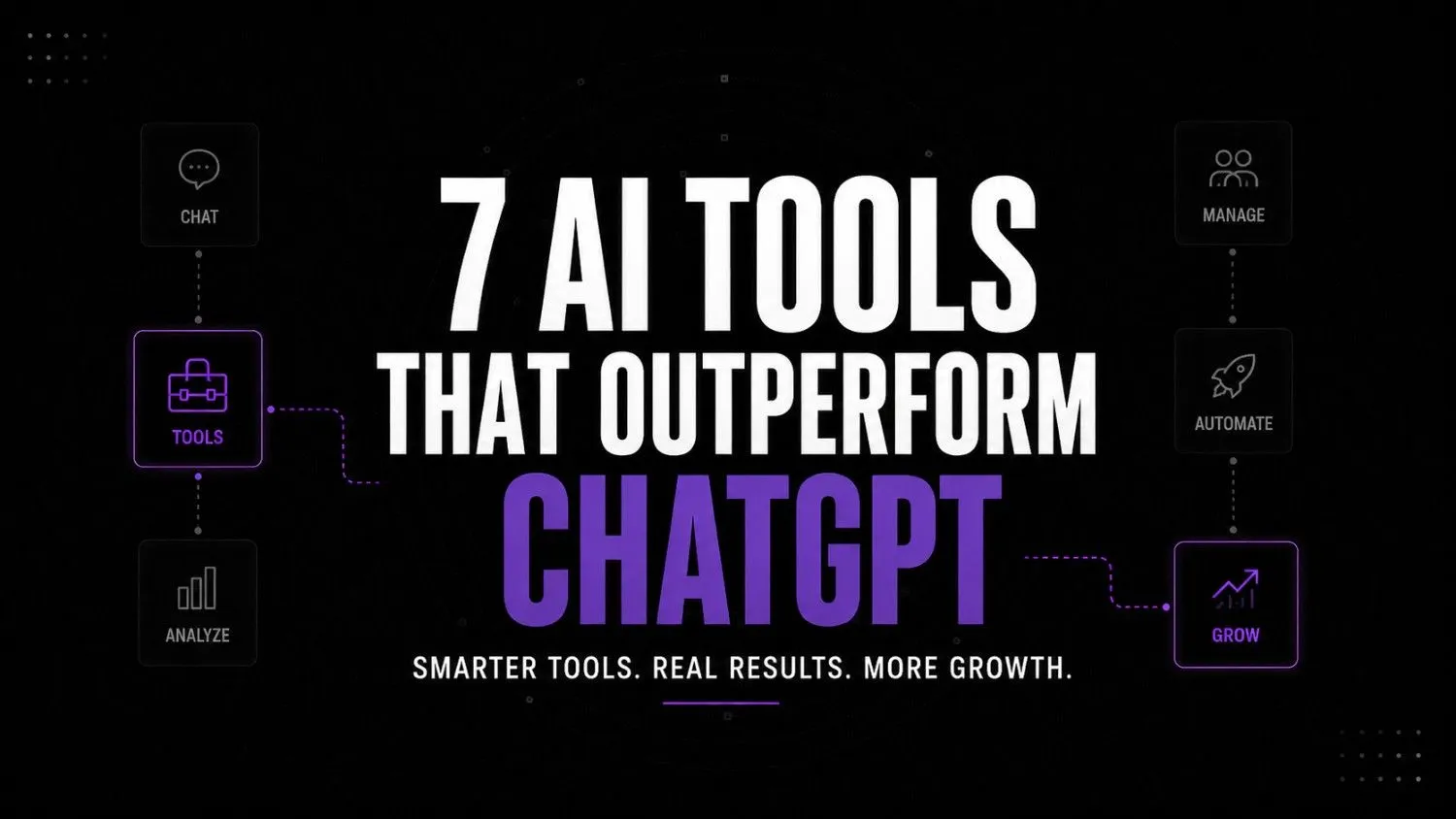
McKinsey’s 2025 State of AI report found that 88% of organizations now utilize AI in at least one business function, but less than 6% feel it has had a meaningful impact on their finances. The issue is not one of technology but of prioritization. This article will discuss seven specialty systems that either dominate one business process or offer compelling options for what to automate first.
Tool overview at a glance
| Category | Tool | Best For | Ideal Business Size |
|---|---|---|---|
| Knowledge | Eesel AI | Internal knowledge | 10–500 employees |
| Support | Inkeep | Product support | SaaS |
| Assistant | Lindy | Founder productivity | Small teams |
| Browser | Browser Use | Browser automation | Operations-heavy teams |
| Automation | Activepieces | Workflow automation | SMB |
| Data | Whalesync | Data sync | Growing businesses |
| Scheduling | Reclaim AI | Calendar optimization | Teams |
Use this table as a reference point, not a to-do list. The sections below will walk through the nuances of what the tools replace, where they replace, and where they don’t.
Why most AI tool lists aren’t useful
If you Google “best AI tools for small business,” you’ll find the same 20 or so names in different orders. That’s not an accident. It’s far easier to write a listicle about cool new tools than it is to actually test out a workflow.
Businesses need specialized tools that dominate a particular function: answering support tickets, guarding against schedule leaks, or serving as a data pipeline between systems. Buying software by category – a tool for this particular task, another for that – is a far more effective strategy than trying to keep up with whatever cool new thing appeared on Product Hunt this week.
The key to effective software buying is to think of individual systems as specialized employees, not general assistants. An outsourced admin can handle a few different tasks, but they’re unlikely to dominate any of them. A specialized customer support tool, meanwhile, can handle the entire lifecycle of a ticket from end to end without requiring a human to step in and do any of the work.
How these tools were selected
Every tool below had to check off 5 boxes:
- Solves an expensive operational headache, not an abstract concept
- Delivers demonstrable time savings, not just a feeling of being faster
- Actually used by someone, somewhere today
- Doesn’t require a six-figure investment or six months of implementation
- Works inside the stack of software the business already uses
Tools that didn’t check off every single one of these boxes were tossed off the list, no matter how many likes it got on social media.
What choosing an AI tool stack actually looks like operationally
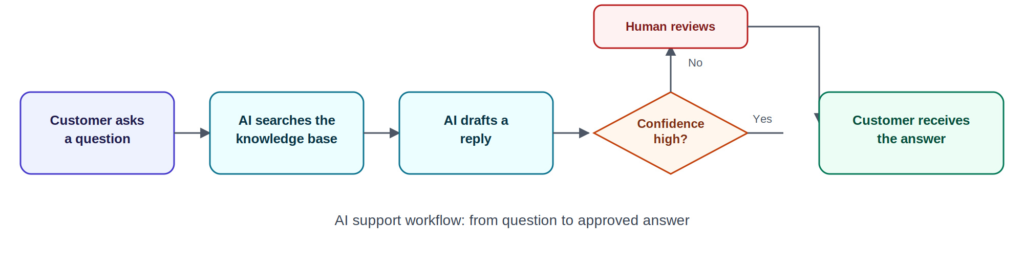
On the Tuesday at 9:40 a.m., a marketing agency with a team of twelve people starts working on a new week. The account team currently has forty tickets opened from different clients. Half of them are asking the same questions: “What is the status of our Q3 report?”, “Could you please send us another copy of last month’s invoice…”, etc. All these types of questions the founder of the company used to answer herself before, for the first two years of the agency’s work, in her free time.
The founder of the company then opens ChatGPT in her browser, pastes one of the client’s email requests there, and asks the AI to draft a response. One ticket is closed successfully; however, the remaining thirty-nine tickets are not handled in a similar way because ChatGPT does not know which knowledge base article should be applied, does not recall the last responses from the company to the same client, and hence cannot escalate the request to the responsible team member correctly. Instead, there is a specialized tool that is fine-tuned to answer the clients’ questions using the company’s own documentation, generate responses in a suitable tone of voice, and only escalate the unresolved queries to humans.
Using such a solution, the founder is now able to manage forty client requests instead of twenty as before, spending significantly less time on simple and recurring questions. Her task is now to approve the auto-generated responses and enhance the documentation to make the AI more knowledgeable and efficient at handling the company’s clients’ requests.
Pause and think: how many of your team’s repeated questions already have a written answer somewhere, and how many minutes a day does someone spend retyping that same answer from memory?
That’s the sort of operational improvement specialized AI tools for small business can make: not less typing for one email, but less human labor needed to sustain an entire workflow.
Wrong approach vs. right approach
| Wrong approach | Right approach |
|---|---|
| Adding more tools | Fixing the specific workflow gap first |
| Automating a broken process | Redesigning the process, then automating it |
| Picking tools by popularity | Picking tools by the bottleneck they remove |
| One assistant for every task | One system that owns each workflow end to end |
| Buying software, then assigning an owner | Assigning an owner, then buying software |
Seven AI tools worth adding to a small business operation
Each of the tools below solves for a unique pain point in a certain type of workflow. None of them are ChatGPT, Canva, Notion, or Buffer, the tools you already know about.
1. Eesel AI (Knowledge management)
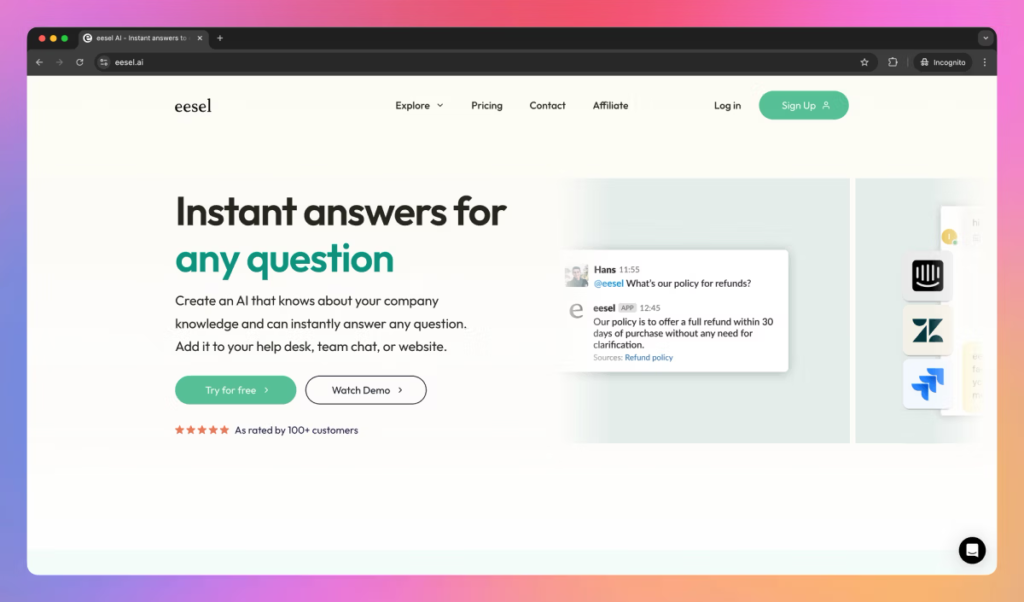
Problem solved: Employees waste time searching through Slack, Google Drive, Confluence, and/or Notion for an answer that is likely already out there somewhere in one of those tools.
Where it fits: It fits SaaS companies, agencies, and remote teams where employees spend time searching for the answer across 4-5 tools when it is already written down somewhere by somebody else.
Skip it if: Your business barely has any documentation at all. Eesel surfaces information from documentation that already exists, it does not allow you to build a knowledge base from nothing.
Why it matters: The workflow looks something like this: “Customer reaches out to your support team with a question -> Eesel searches through all connected documentation for the answer -> It drafts a response and waits for approval -> Customer gets a response in minutes instead of hours.”

eesel
eesel helps businesses build AI teammates that learn from internal documentation and work across existing tools. Instead of traditional chatbots, eesel focuses on AI agents that assist customer support, internal operations, and employee workflows using company knowledge.
2. Inkeep (AI Customer support)
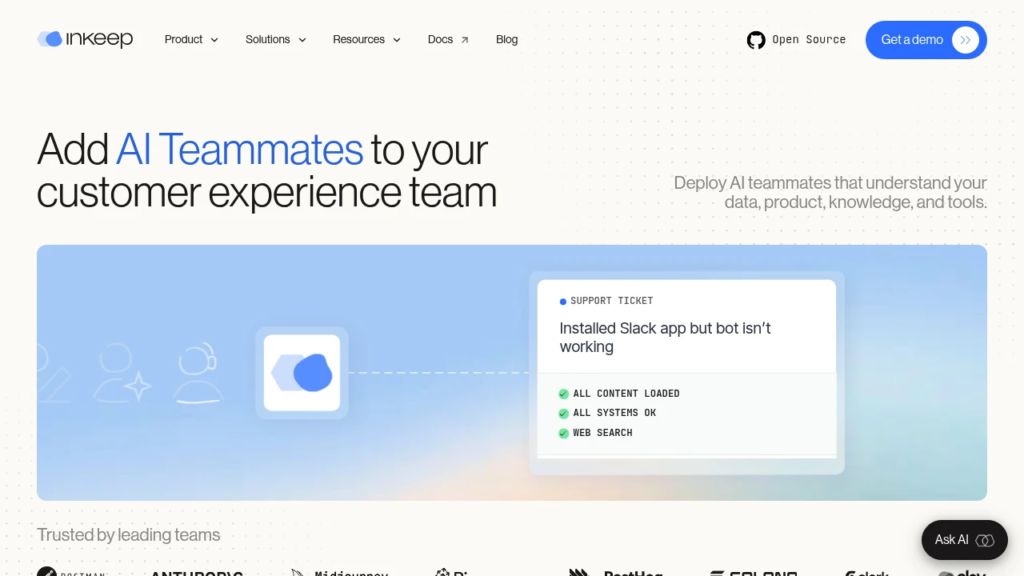
Problem solved: Your support team is spending hours a week answering the same few product questions, even if they have to open up a ticket and do some research to find the answer.
Where it fits: It fits SaaS products that have a knowledge base or documentation and a website where customers ask those same few questions prior to speaking to support.
Why it’s underrated: The workflow sends knowledge base and documentation through a website chat, surfaces an accurate answer based on that documentation, and only routes to a human for more help if the confidence score is low. That’s not the same thing as a regular chatbot that guesses at the answer it thinks you want to hear.

Inkeep
Inkeep is an enterprise AI platform that helps companies build AI agents for customer support, internal operations, and developer documentation. It combines AI search, workflow automation, multi-agent orchestration, and knowledge retrieval to deliver accurate, grounded answers across multiple channels.
3. Lindy (AI Executive assistant)
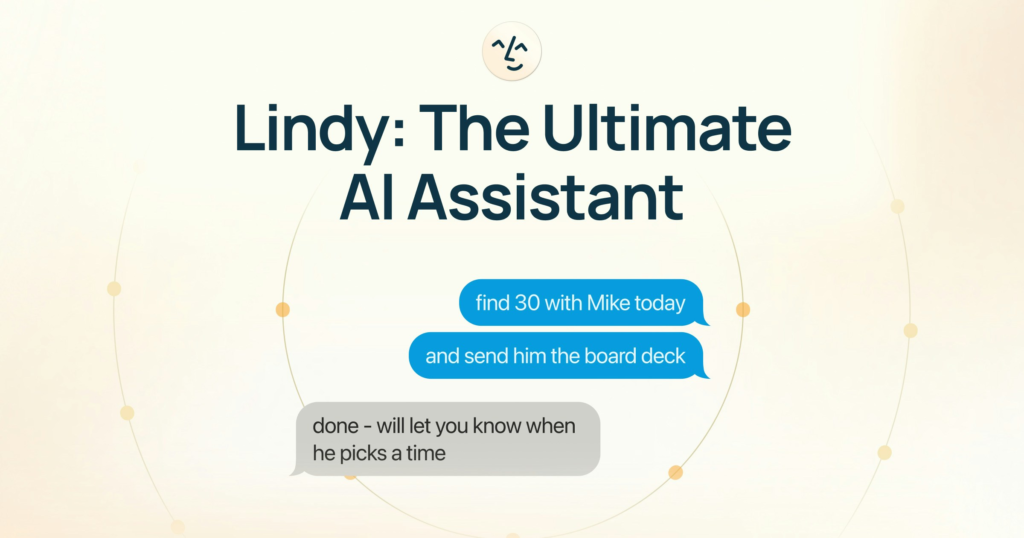
Problem solved: Founders and operators waste hours per week with meeting prepping, chasing, and administrative tasks that are tedious and require no insight or judgement, only consistency.
Where it fits: Solo founders and small teams that don’t have budget for an executive assistant, but still have meaningful administrative needs see our broader roundup of AI tools for small teams for adjacent picks beyond just admin work.
Why it matters: Lindy lives inside your existing calendar and inbox, rather than requiring you to learn a new productivity stack, lowering the cost of entry for time-constrained founders who need something to be adopted immediately.

Lindy.ai
Lindy.ai is an AI assistant that manages emails, meetings, scheduling, and follow-ups from one place. It’s designed for busy professionals and teams who want to automate repetitive admin work and save hours every week.
4. Browser Use (Browser automation)
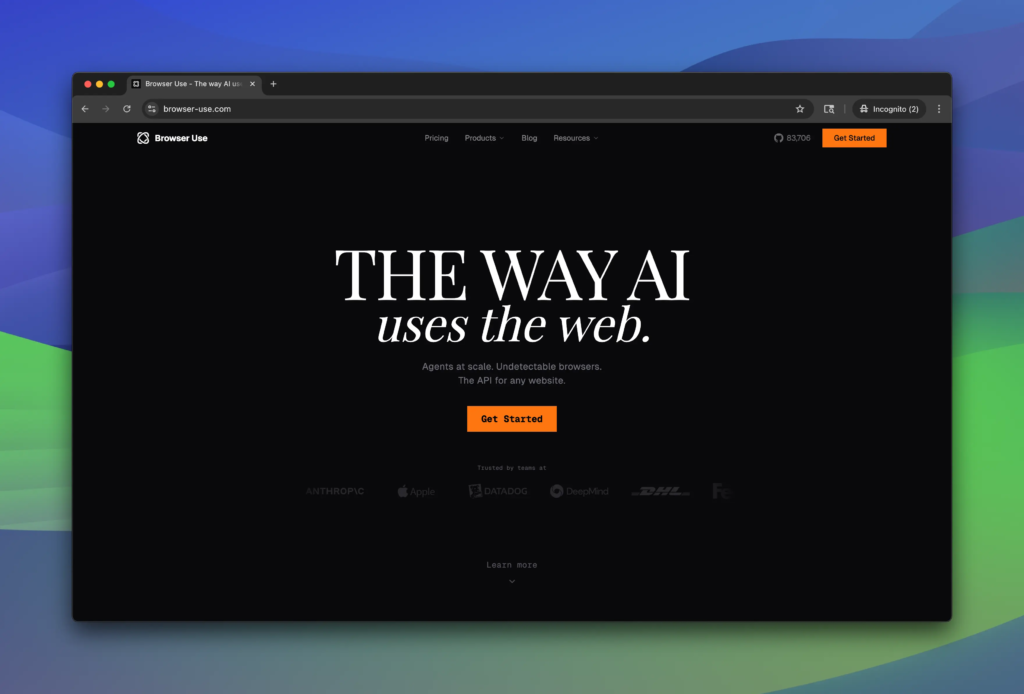
Problem solved: Manual processes around browser-based tasks, extracting reports from portals, completing forms, general research are not being automated because they don’t easily translate to an API-based automation stack.
Where it fits: Operations-heavy teams where a large portion of their weekly scope is being done manually in a browser against tools that don’t have a well-specified API.
Why it matters: Browser-based agents can perform clicks, scrolls, fills just like a human could which is necessary because a large portion of the small business software market doesn’t expose this capability through an API which represents an automation gap that activepieces could fulfill.

Browser Use
Browser Use is an AI browser automation platform that enables AI agents to navigate websites, complete forms, extract data, and perform complex web tasks autonomously. It offers an open-source framework alongside a managed cloud platform for developers and enterprises building browser-based AI agents.
5. Activepieces (Automation platform)
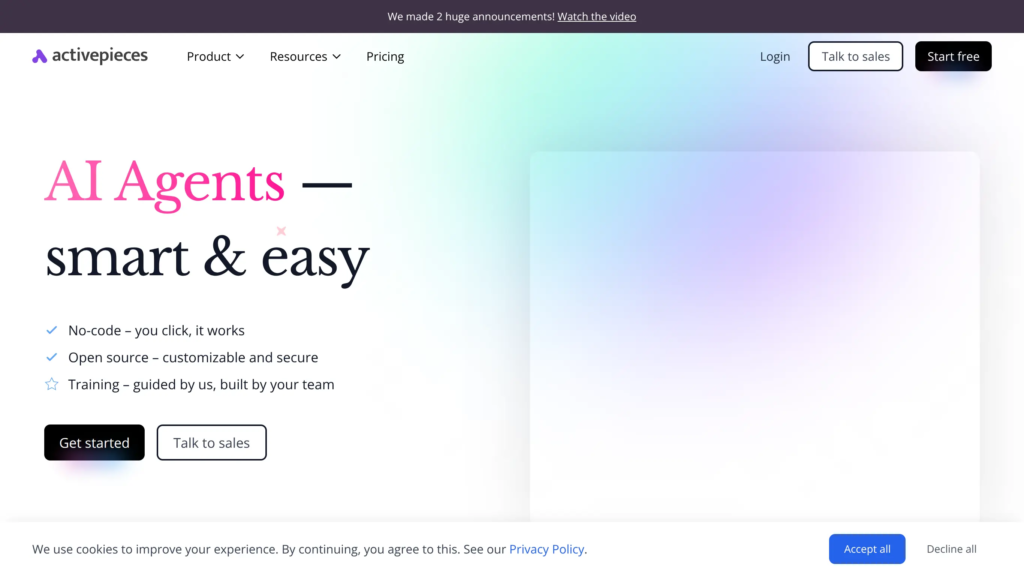
Problem solved: Small teams need workflow automation between the tools they already use, without the enterprise pricing and complexity of larger automation platforms.
Where it fits: the decision isn’t “Activepieces versus a bigger platform.” It’s “does this business need enterprise-grade automation, or does it need reliable automation for a handful of specific workflows at a fraction of the cost.”
Why it matters: most small businesses aren’t running hundreds of automations. They’re running five or six that matter enormously. A lighter platform that’s focused on that scale removes cost and complexity without sacrificing reliability.

Activepieces
Activepieces is an open-source automation platform that helps teams build AI agents and workflow automations without coding. It’s designed for businesses that want Zapier-style automation with more flexibility, self-hosting options, and enterprise control.
6. Whalesync (Data synchronization)
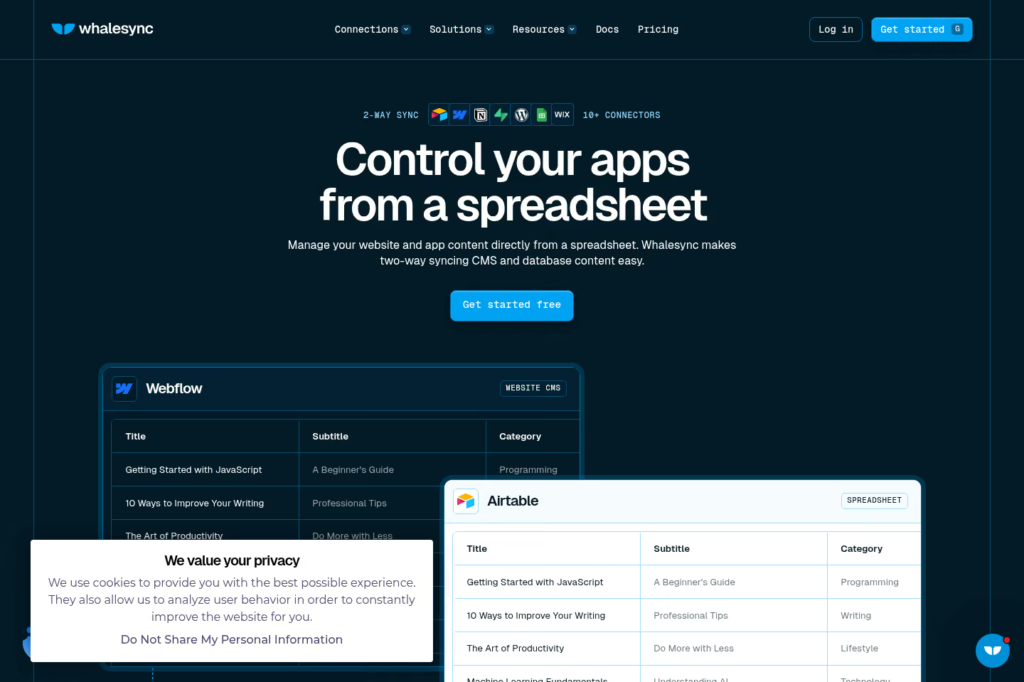
Problem solved: The same information is in a CRM, a spreadsheet, an internal dashboard, and a website CMS, and someone has to keep all four in sync, or the whole team is working from old numbers.
Where it fits: Growing companies whose data footprint has gotten too big to share easily among departments but not big enough to hire a data engineer.
Why it matters: The workflow from CRM to Airtable to internal dashboard to CMS automatically updates, so that everyone is always looking at the same figures, without anyone having to manually export and import.

Whalesync
Whalesync helps teams sync data across apps in real time without manual updates. It supports true two-way syncing between platforms like Airtable Notion Webflow and HubSpot making operations cleaner and more reliable.
7. Reclaim AI (AI scheduling)
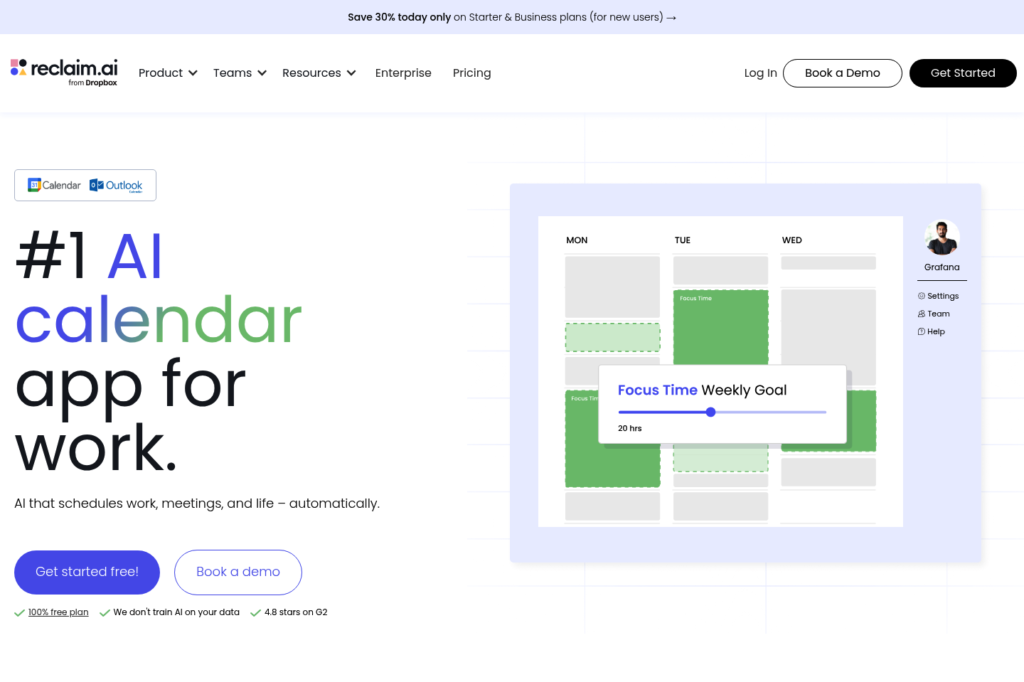
Problem solved: Calendars stop filling up with meetings until they become completely booked with non-focus time, leaving out time for the actual work the meetings were supposed to create.
Where it fits: Any team that needs to make sure that focus time is not getting eaten by meetings and a booking link is not solving the scheduling problem at hand.
Why it matters: It actively protects focus time, rescheduling itself when meetings get added in, rather than just displaying availability, like a booking link would.
Reclaim AI
Reclaim AI is an AI-powered calendar assistant that automatically schedules tasks, habits, meetings, and focus time around your existing calendar. It's built for professionals and teams who want to protect deep work while reducing scheduling conflicts.
Operator verdict
The tools reviewed rarely failed on their ability to deliver value but rather on who owned the implementation. Here is a summary of the practical insights on each of the tools discussed.
- Speed to value: Eesel AI and Inkeep have the fastest ability to deliver value as they require the existence of documentation before they can help shorten the ticket resolution time, and both can begin reducing the volume of tickets within the first two weeks.
- Ease of adoption: Lindy and Reclaim AI are the easiest to adopt as they integrate seamlessly into calendars and inboxes that the team already uses.
- Where it gets harder: Activepieces, Browser Use, and Whalesync require someone to take the time to design the automation before it can begin streamlining the process. Skipping this step will lead to processes being automated with little value.
- Who should avoid these tools: A company that does not have documented processes, no one who owns the implementation of a tool, and no time to invest in the setup should not adopt any of these tools. The absence of a documented process, an owner, or time budgeted for the implementation of a tool is a barrier to adopting the tools.
Recommended AI Stack by Business Type┌──────────────────────┐
│ Solo Founder │
└──────────┬───────────┘
↓
Lindy → Reclaim AI → Browser Use┌──────────────────────┐
│ Marketing Agency │
└──────────┬───────────┘
↓
Eesel AI → Activepieces → Whalesync┌──────────────────────┐
│ SaaS Company │
└──────────┬───────────┘
↓
Inkeep → Eesel AI → Whalesync → Activepieces┌──────────────────────┐
│ Consultancy │
└──────────┬───────────┘
↓
Lindy → Browser Use → Reclaim ABuying advice: don’t buy all seven
Start with the biggest operational bottleneck, not the longest stack. Add another tool from this list only once the previous one has delivered measurable value, meaning fewer hours spent on the workflow it replaced, not just fewer complaints about it.
Self-audit: should you add another tool?
Before buying any tools from this list, answer these questions honestly:
- Can you describe the most expensive repetitive process in the business now?
- Is someone already responsible for it or does it randomly float between who has the time?
- Is the process sufficiently documented for a tool to understand?
- has the last tool purchased actually saved significant time or is it still “getting set up”?
- Are you buying the tool to address a specific bottleneck or because a competitor suggested it
If you answered “no” to more than 2 questions, the issue is the process, not the technology.
FAQs
Most have either a usage-based or per-seat pricing that is much lower than enterprise-level automations, though the exact cost depends on how many tickets your teams handle and which tools they need to utilize.
No, as general-purpose assistants and specialized tools usually address different automation needs and are often integrated into the same workflow. They are rather complementary than substitutive.
If you pick solutions that utilize your existing documentation (Eesel AI, Inkeep), you should see results in 2-4 weeks. For tools that require configuring the automation logic (Activepieces, Browser Use, Whalesync), you may need more time to design the ideal process but will benefit from their stable, lasting performance.
Purchasing an automation tool before designating a person who will be responsible for designing and maintaining the bots’ work. Without a clear owner, most tools get installed, are used for a while, and then forgotten about.
No, as it is better to prioritize the tools that address your most pressing automation challenges first. After evaluating one solution’s impact, you can move on to another.
Conclusion
Small companies will not benefit from purchasing subscriptions to artificial intelligence. According to the research company Boston Consulting Group, 70 percent of all artificial intelligence initiatives failed to produce the level of result desired by executives, and the reason for this was not technology but the accompanying process. The seven tools in this list work only because they have each occupied a complete vertical, not because they are powered by artificial intelligence.
The next version of this list, if there is to be one, will be significantly different next year because some of these verticals will be consolidated within larger ones or replaced by better alternatives. The question that all founders need to answer before spending money on any of the remaining tools is the same as the one for any acquisition: What vertical is this tool going to own?
Your next move
Choose the one workflow in your business that is consuming the largest amount of recurring, judgment-free time this week. Write the sentence describing who owns it in your business right now. This is the test every tool on this list must pass to be considered for a subscription.