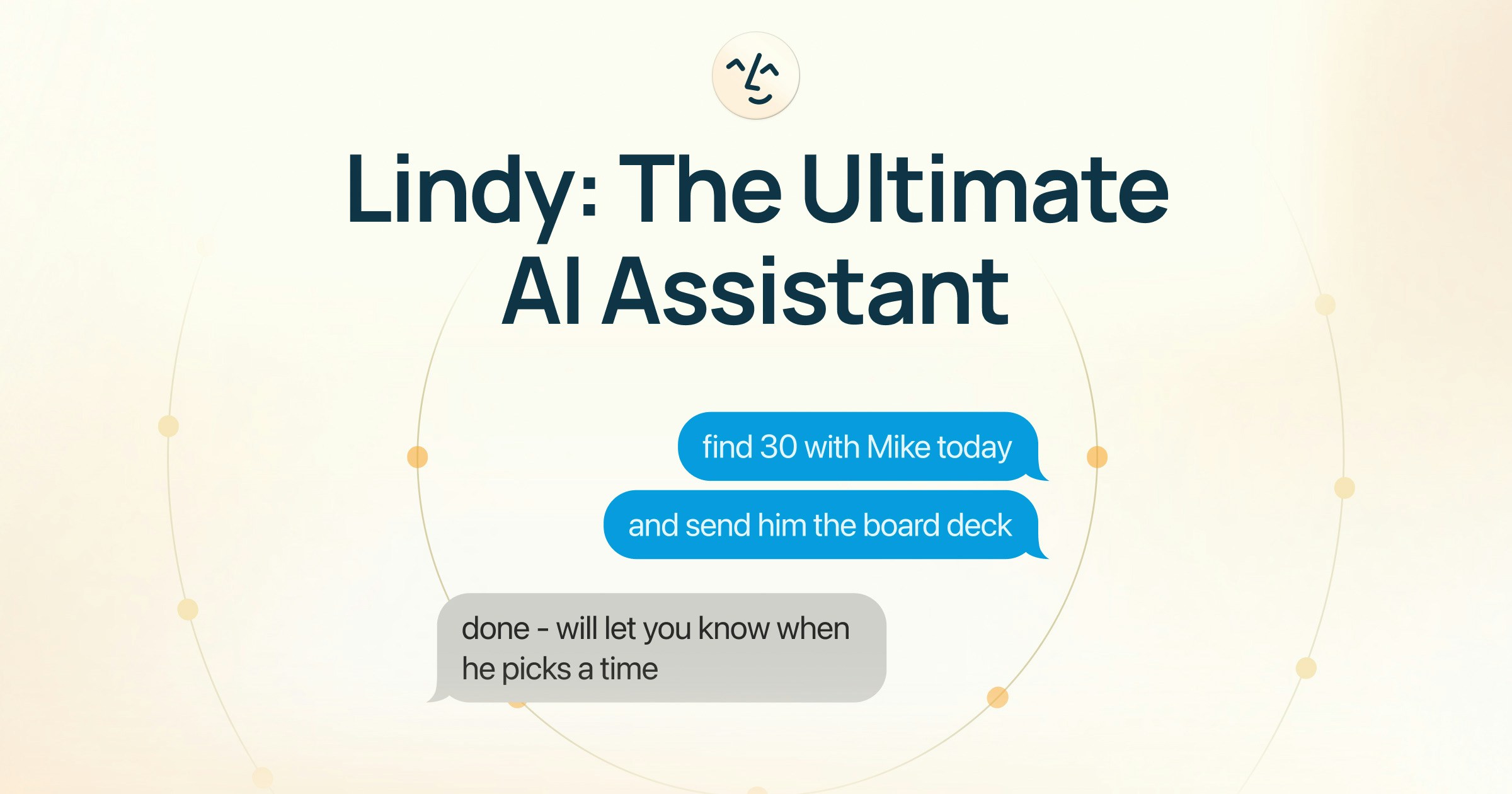
Lindy.ai

Your AI executive assistant for inbox and calendar chaos

4.7/5 Rating Paid - $49.99/month Advanced workflows on higher plans, Enterprise security locked behind custom pricing, Usage caps on lower tiers Free Trial Available

Enterprise Technology Specs

Underlying Engine GPT-4, Claude, Proprietary Workflow Models
Compliance & Security SOC2 Type II, GDPR
Data Privacy Opt-out Default (GDPR)
Deployment Time <5 minutes

Product Demo

The Deep Dive

Lindy.ai feels less like another AI productivity app and more like a digital operations assistant that quietly handles busywork in the background. It’s especially useful for people buried under meetings, follow-ups, and inbox management every day. The setup is surprisingly quick, and the AI drafting feels more natural than many competing tools.

Where Lindy.ai really stands out is automation. You can build workflows that connect meetings, emails, reminders, and CRM updates together without juggling multiple apps. For founders, operators, and sales teams, that can save a huge amount of time weekly.

That said, the pricing may feel steep for solo users who only need basic scheduling help. Some advanced automation also takes experimentation before it works perfectly. But if admin overload is slowing down your workday, Lindy.ai is one of the strongest AI assistants currently available.

Key Capabilities

AI email drafting
Meeting scheduling
AI follow-ups
Calendar management
Meeting transcription
Inbox prioritization
Workflow automation
Multi-app integrations

Top Use Cases

  • Managing executive inboxes
  • Automating meeting follow-ups
  • Scheduling client calls
  • Preparing meeting summaries
  • Delegating repetitive admin tasks
  • Organizing daily workflows
Verified ROI & Case Study

“A startup operations team reduced manual scheduling work by 68% and saved nearly 9 hours weekly after switching to Lindy.ai.”

Frequently Asked Questions

Is Lindy.ai good for small teams?

Yes. Lindy.ai works well for startups and small teams that deal with frequent meetings and email coordination. It can reduce repetitive communication tasks significantly.

Does Lindy.ai send emails automatically?

Lindy.ai drafts emails and workflows automatically, but users stay in control before messages are sent. Enterprise workflows can automate more actions depending on permissions.

Is Lindy.ai beginner-friendly?

Yes. The onboarding process is simple and most workflows are easy to configure without coding knowledge.

What apps does Lindy.ai integrate with?

It integrates with Gmail, Outlook, Slack, Google Calendar, Zoom, Notion, HubSpot, and many other productivity tools.

Does Lindy.ai offer enterprise security?

Yes. Enterprise plans include advanced security features like SSO, SCIM, audit logs, and HIPAA compliance.