Whalesync

Two-way sync for your business tools

4.6/5 Rating Freemium - $5/month Record sync limits,Advanced connectors require higher plans,Enterprise support costs extra,Large sync volumes increase pricing Free Trial Available

Enterprise Technology Specs

Underlying Engine Workflow automation logic,Data synchronization engine
Compliance & Security SOC2 Type II, GDPR
Data Privacy Opt-out Default (GDPR)
Deployment Time <5 minutes

Product Demo

The Deep Dive

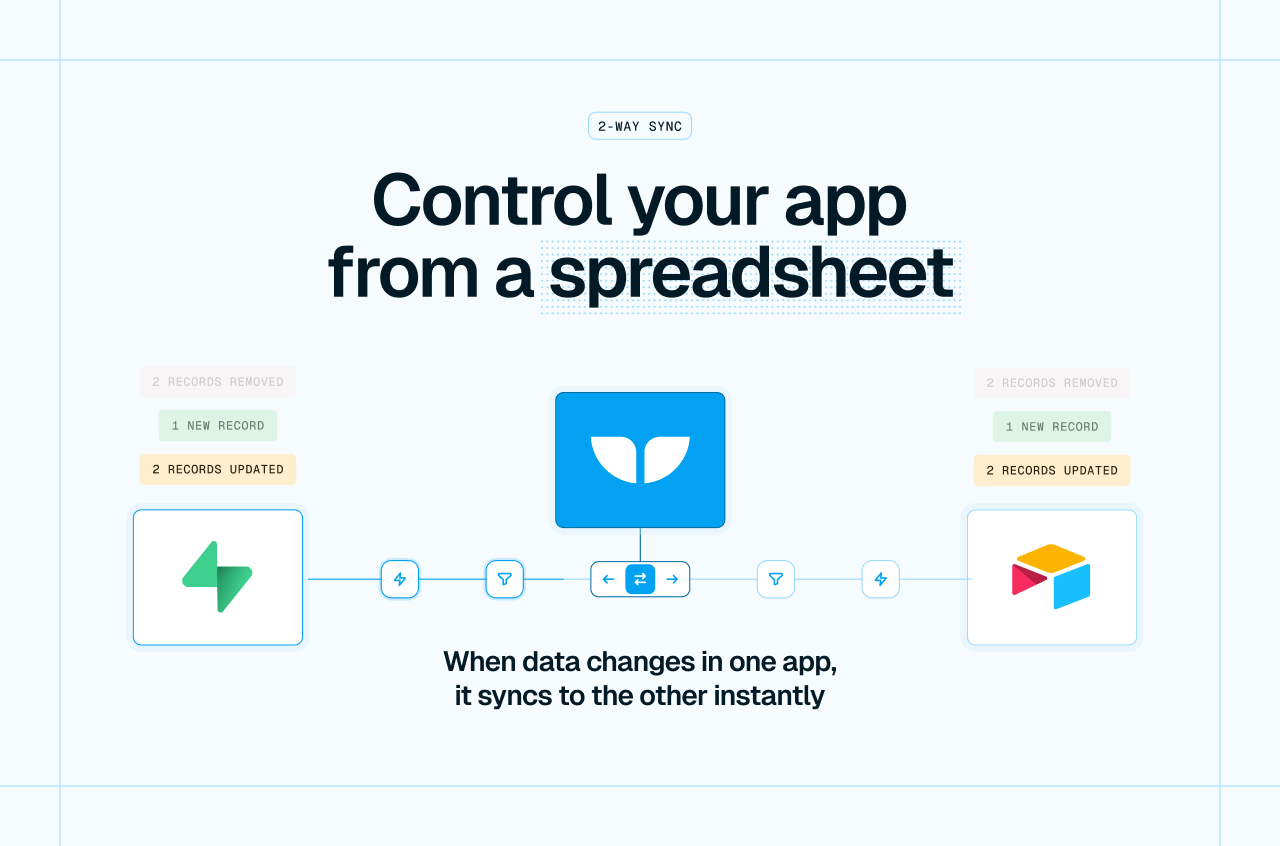
Whalesync solves a surprisingly painful problem that most growing teams eventually run into: data chaos between tools. Instead of building fragile automations or manually updating records across platforms it keeps everything synced automatically in both directions.

The biggest advantage is simplicity. Setting up a sync between Airtable and Webflow for example takes minutes instead of hours. For operations teams managing no-code stacks that can save a massive amount of repetitive work.

Where it shines most is structured database syncing. It is not trying to become a full automation platform like Zapier or Make. That focus is exactly why it feels more reliable for sync-heavy workflows.

The biggest limitation is flexibility. If you need complicated multi-step logic or branching workflows you may still need another automation tool alongside it. But for keeping systems clean synced and operationally stable Whalesync is excellent.

Key Capabilities

True two-way syncing
Real-time updates
Automated sync monitoring
No-code setup
Database syncing
Webflow synchronization
Airtable syncing
Error monitoring
Connector library
Historical sync tracking

Top Use Cases

  • Syncing CMS databases
  • Keeping CRM data updated
  • Managing no-code stacks
  • Connecting Webflow with Airtable
  • Cross-platform data consistency
  • Reducing manual operations
Verified ROI & Case Study

“A Webflow agency reduced manual database updates by 80% after implementing Whalesync between Airtable and Webflow CMS.”


Frequently Asked Questions

What does Whalesync do?

Whalesync automatically syncs data between apps so teams do not need to manually update records across platforms. It keeps databases aligned in real time.

Is Whalesync a Zapier alternative?

Partially. While Zapier focuses on automation workflows Whalesync is specifically designed for two-way database syncing.

Does Whalesync support Airtable?

Yes. Airtable is one of Whalesync’s strongest integrations and is commonly used with Webflow Notion and Supabase.

Can Whalesync sync Webflow CMS?

Yes. Many teams use Whalesync to sync Airtable or Notion databases directly into Webflow CMS collections.

Is coding required?

No. Whalesync is built for no-code and low-code teams with a simple setup process.