TL;DR: An AI marketing stack in 2026 consists of an AI-powered CRM (HubSpot), an SEO intelligence layer (SEMrush or Ahrefs), a project management system (Asana, ClickUp, or Wrike), a social media scheduling platform (Hootsuite or Buffer), and a communication and automation layer (Slack + Zapier). The goal is fewer tools with deeper integration, not a larger collection of disconnected software.
Having an AI marketing tool stack in 2026 is the answer to your marketing problems.
Do you identify with this loop? It goes like:-
- A new AI tool drops making waves
- Twitter says it’s ‘revolutionary'
- LinkedIn fills up with screenshots and ‘AI is taking jobs’
- Someone calls it the end of agencies and rise of ‘solo preneurship’
If you are a marketer or work in a marketing agency, getting stuck in this loop is how you lose out on hours and hours of time. This kind of Failed AI Adoption means you could easily invest that time on ideating marketing strategies, building relations with clients and getting continuous quality leads.
Just like ‘too many cooks spoil the broth’, Too Many AI Tools? Build a Workflow. Binding 10 different tools to increase efficiency and to save those 10 minutes only makes you lose hours rapidly accumulating AI Operational Debt. How? Because you can’t figure out the tools without a proper AI Stack Audit , or you’re lost connecting them together to build a functional AI Workflow Infrastructure.
[Large enterprises like Coca Cola are already restructuring their marketing around AI workflows]
Your only goal with adopting an AI marketing tools stack should be – fewer tools, deeper usage and systems that actually talk to each other rather than breaking up mid campaign.
This marketing tools stack is the one that the organisational teams and agencies are actually using on a daily basis for those messy workflows, campaigns and actual budgets on the line.
AI Marketing Tools Stack At a Glance 2026
| Category | Tool(s) | Core Function | Starting Price |
|---|---|---|---|
| CRM & Automation | HubSpot | Lead scoring, email journeys, campaign reporting | Free / $14/user/mo |
| SEO & Analytics | SEMrush or Ahrefs | Keyword clustering, competitor gaps, SERP tracking | $129–$140/mo |
| Project Management | Asana / ClickUp / Wrike | Campaign coordination, AI task generation, workload balancing | Free / $7+/user/mo |
| Social Media | Hootsuite or Buffer | Scheduling, AI captions, performance summaries | Free / $6+/mo |
| Automation Layer | Slack + Zapier | Cross-tool triggers, team alerts, workflow automation | Free / $7+/mo |
[Browse all marketing automation tools at AI for Business Automation Here]
1. HubSpot
For CRM & Automation
What it automates:
- AI lead generation and scoring (surfaces leads that are most likely to convert based on their behavior and engagement patterns.)
- Email workflows adapt automatically to user actions (a contact who clicks a pricing page gets a different follow-up than one who only opened the newsletter)
- Dynamic content personalization (landing pages and emails keep shifting the messaging depending on who’s visiting)
- Campaign performance summaries auto-generate for client or leadership reporting
- One dashboard and shared visibility for sales and marketing teams to operate
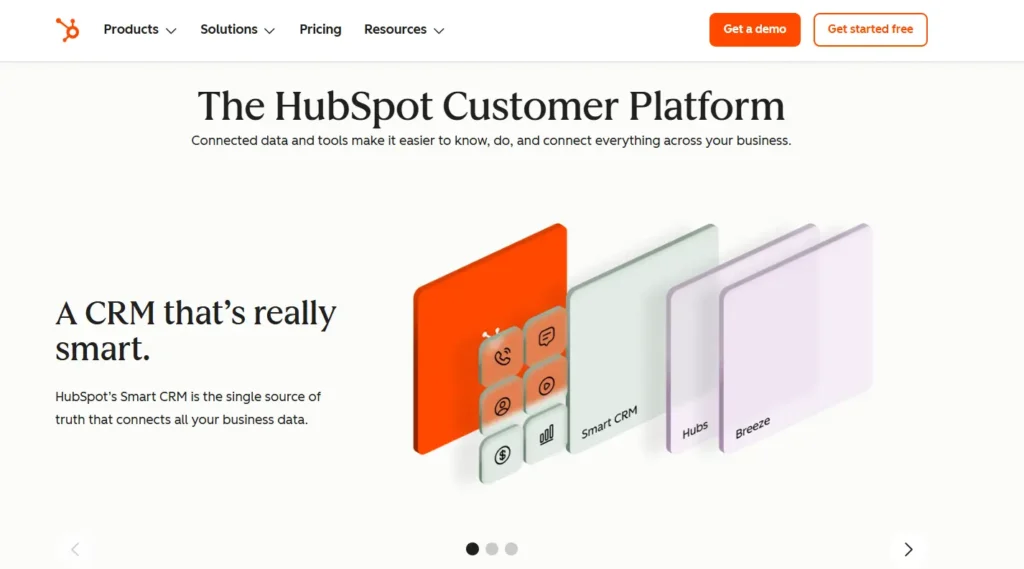
HubSpot customer platform powers CRM, marketing automation, and lead management inside a modern AI marketing stack.
Pricing:
Free CRM – $0/month
Starter Plans – from ~ $14 – $18 per user/month
Professional Tier – roughly $815 per month (depending on hub)
Enterprise Tier – starting around $3,200+/month per hub
Good for:
- Any team running outbound campaigns, lead nurturing sequences, or recurring client reporting
- HubSpot is especially strong when your sales and marketing teams need to stop working from different tools
Not for:
- Solo freelancers who only need a contact list
- The platform's depth becomes overhead if you are not using at least its CRM, email, and one automation workflow simultaneously
Honest take: The Professional tier is where HubSpot is the most efficient but the price leap from the Starter tier is steep. Spend a month with Starter tier first and track exactly how many hours you lose to manual reporting and segmentation. That number will help you make the Professional upgrade.
HubSpot
HubSpot is an AI-powered customer platform that combines CRM, marketing, sales, customer service, content management, and operations tools in one ecosystem. Its AI features, branded as Breeze AI, help businesses automate workflows, generate content, analyze customer data, and improve team productivity.
2. SEMrush + Ahrefs
For SEO & Analytics
What it automates:
- Keyword clustering (powered by AI insights) – Now, instead of targeting single keywords, teams build topic groups. These are also known as clusters that support long term rankings.
- Competitor content gap analysis – The tools quickly spot those topics that the competitors rank for, but you don’t yet. This remains one of the fastest growth plays.
- SERP volatility monitoring – This is very helpful in 2026 because AI search layouts keep changing frequently and rankings fluctuate way faster now than they used to.
- Search intent analysis – This means understanding whether the users want information, comparison or purchase content (before creating pages.)
Both SEMrush and Ahrefs have transitioned from keyword tool research to AI research engines. That is the reason both of these tools are still considered the key SEO intelligence layer in 2026.
Pricing comparison table (2026)
| Tool | Entry Plan | Mid Tier | Advanced | Free Trial |
|---|---|---|---|---|
| SEMrush | $140/mo (Pro) | $250/mo (Guru) | $500+/mo (Business) | 7 days |
| Ahrefs | $129/mo (Lite) | $249/mo (Standard) | $449+/mo (Advanced) | No free trial – $7 trial available |
Good for:
- Content teams producing SEO-driven articles, agencies managing multiple client domains
- Any business where organic traffic is a primary acquisition channel
Not for:
- Teams whose primary traffic source is paid ads or direct referral.
- Both tools have overlapping paid search features, but neither is built primarily for PPC management.
Honest Take: As we are advancing, SEO is becoming more complicated, because the traffic now comes from – AI generated answers, Google results and prompt style conversational search experiences.
Ahrefs' backlink database and content explorer are marginally stronger, if you are running a single website and primarily doing content SEO. If you need an all-in-one platform covering SEO, PPC research, and competitor monitoring, SEMrush covers more ground.
SEMrush
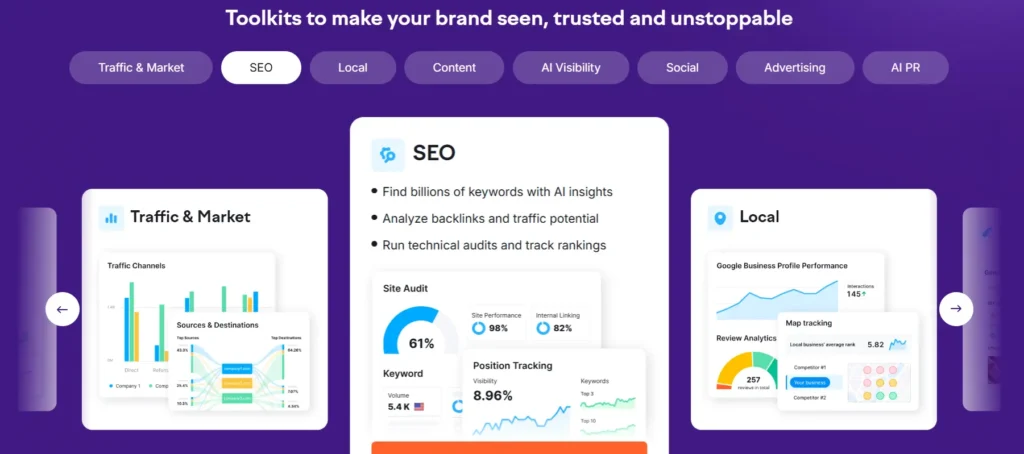
SEMrush
A comprehensive online visibility management platform that integrates traditional SEO with AI search tracking to help brands dominate both Google and LLM-driven discovery.
Ahrefs
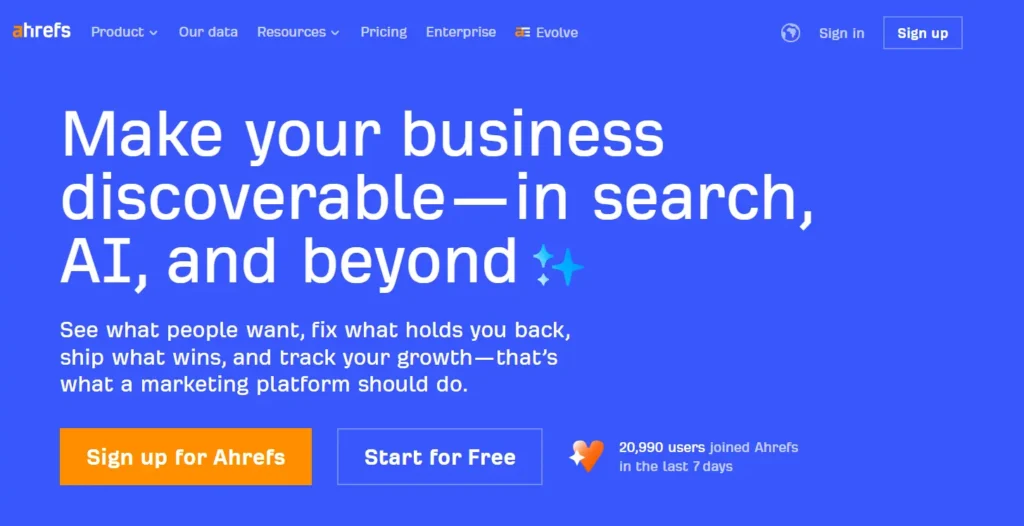

Ahrefs
Ahrefs is an all-in-one SEO platform that helps businesses improve search visibility through keyword research, backlink analysis, site audits, rank tracking, and competitor research. It is built for marketers, agencies, content teams, and businesses that want to grow organic traffic with reliable data.
3. Asana, ClickUp or Wrike
For Project Management
What it automates:
- AI task generation turns meeting notes and campaign briefs into assigned tasks automatically
- Dynamic timelines adjust deadlines when dependencies shift
- Workload balancing gives managers a real time view of who is over-allocated before it starts affecting campaign delivery
- Automated status summaries remove the need for weekly progress meetings
Campaigns now involve paid media, SEO, content creation, automation management, and AI specialists operating simultaneously. Coordinating that through email threads and spreadsheets is not inefficient..
The right project management tool is invisible when it works: tasks get assigned, deadlines update automatically, and no one needs to chase status updates. And the wrong one creates more overhead than it removes.
WHICH TOOL TO CHOOSE (With Pricing) 2026
| Tool | Best For | AI Strength | Starting Price |
|---|---|---|---|
| Asana | Enterprise teams, complex multi-team campaigns | AI task generation from briefs, workload insights | Free / $13–15/user/mo |
| ClickUp | Startups and agencies, all-in-one preference | AI writing, task summaries, sprint planning | Free / $7–10/user/mo |
| Wrike | Corporate environments, compliance-heavy workflows | AI risk alerts, dynamic scheduling, resource forecasting | Free / $10/user/mo |
Honest Take: The AI features across all three platforms have become genuinely useful in 2026, but the core value is still coordination, not intelligence. Pick the tool your team will actually use consistently. A fully adopted ClickUp free plan outperforms a partially adopted Asana Enterprise setup every time.
Asana
- Basic plan – Free for small teams
- Starter – around $13–$15 per user/month
- Advanced tiers – $30+/user/month (with automation and reporting features)
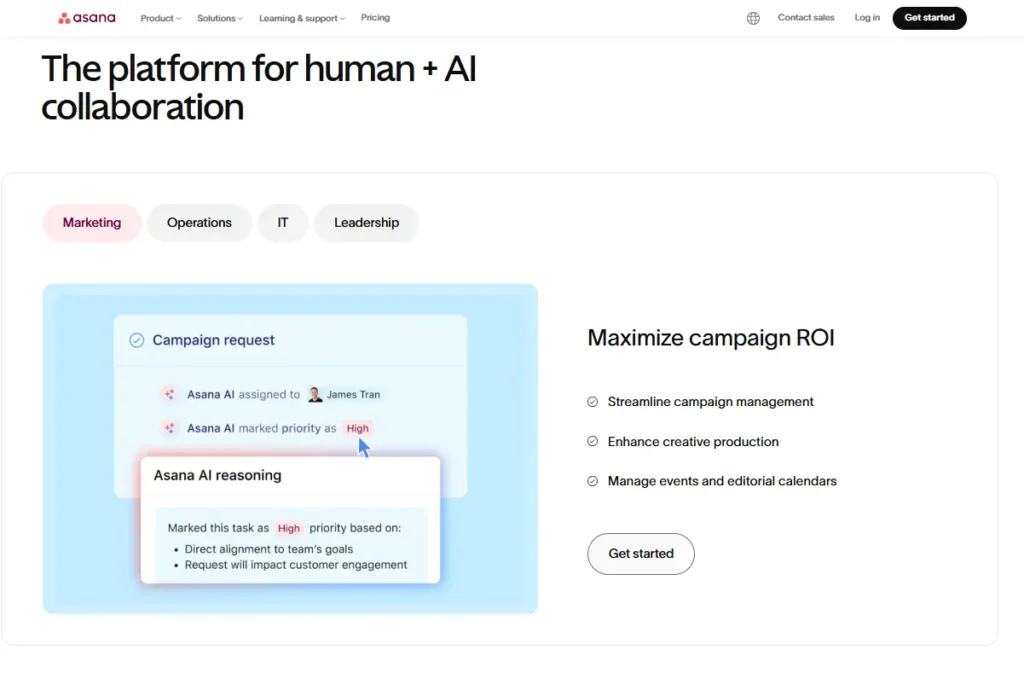
Asana
Asana is a work management platform that helps teams plan projects, organize tasks, automate workflows, and collaborate efficiently. It combines project management with AI-powered capabilities to help organizations improve productivity and deliver work on time.
ClickUp
- Free plan available
- Unlimited plan – about $7–$10 per user/month
- Business plans – $19+/user/month (with advanced automation and dashboards)
ClickUp
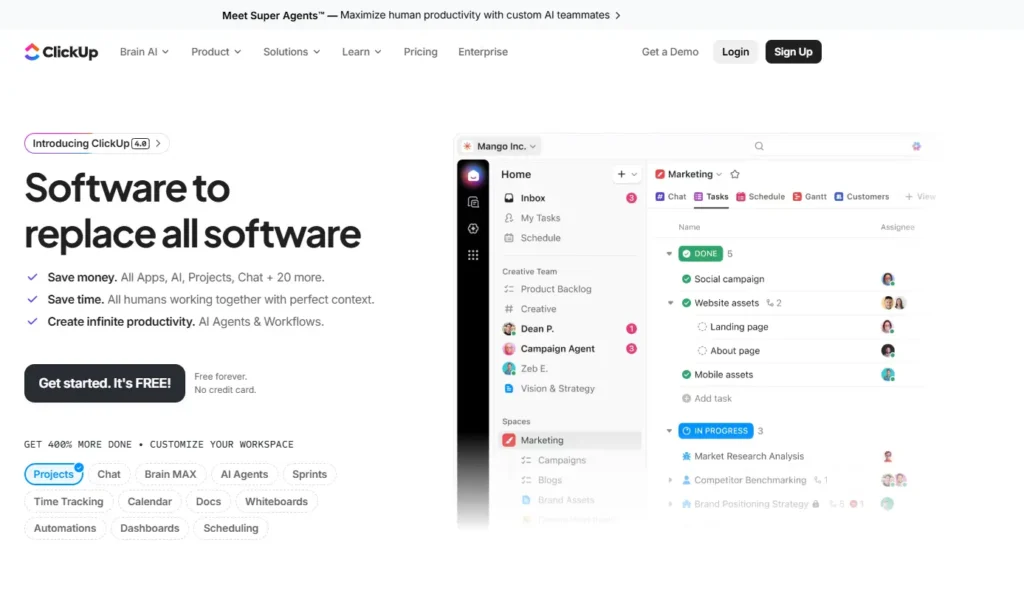
A massive, all-in-one productivity platform that centralizes tasks, docs, goals, and chat, now powered by "ClickUp Brain" to automate project management and knowledge retrieval.
Wrike
- Free plan for basic task management
- Team plans start near $10 per user/month
- Business and enterprise tiers range $25–$40+/user/month (depending on workflow automation and analytics)
Wrike
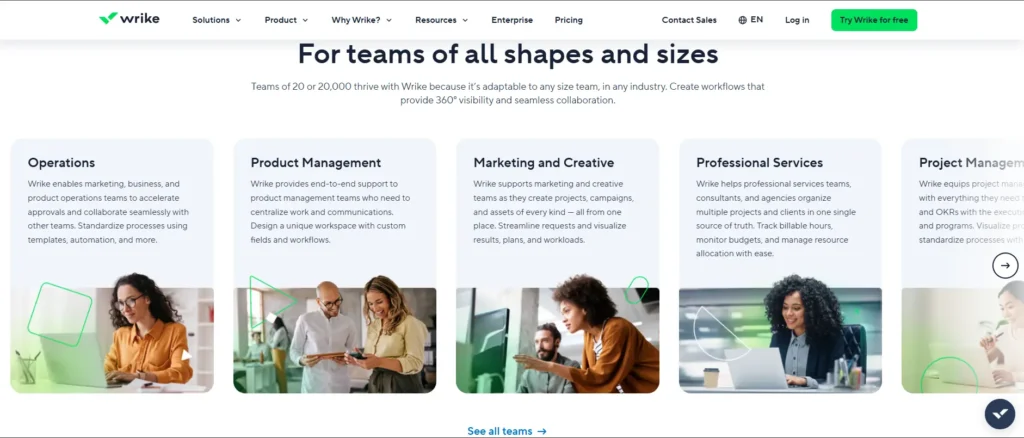
Wrike is a collaborative work management platform that helps teams plan projects, manage tasks, automate workflows, and track performance from one workspace. It is designed for marketing teams, professional services, IT departments, and enterprise organizations that need scalable project management.
4. Hootsuite & Buffer
Consistency at Scale Without the Manual Work
What they automate:
- AI-assisted caption suggestions analyse past engagement to propose variations you can refine
- Best-time posting predictions recommend publishing windows based on your audience's historical behaviour
- Multi-platform analytics dashboards consolidate Instagram, LinkedIn, X, Facebook, and TikTok data in one place
- Social listening with sentiment tracking monitors brand mentions without manually scanning feeds
- Automated performance summaries generate weekly and monthly reports without anyone needing to pull the numbers
With the help of tools like Hootsuite and Buffer, social media management has become much faster and efficient, with scheduling and consistent posting at a large scale.
PRICING COMPARISON (APRIL 2026)
| Tool | Free Plan | Entry Paid | Team/Agency |
|---|---|---|---|
| Hootsuite | No (free trial only) | $99/mo (1 user, limited accounts) | $250–$750/mo depending on users and profiles |
| Buffer | Yes (3 channels) | $6/mo per channel | Scales by connected accounts and team size |
Honest take: Buffer is the better starting point for most teams — the per-channel pricing model is transparent and scales predictably. Hootsuite's enterprise feature set is legitimate, but the Professional plan at $99/month is overpriced for what it delivers compared to Buffer at that same spend. Only move to Hootsuite if you need their advanced social listening and team workflow features at scale.
Hootsuite
- Professional plan starts around $99/month (single user, limited accounts)
- Team plans typically $250–$750/month depending on users and profiles
- Enterprise pricing varies based on organization size and integrations
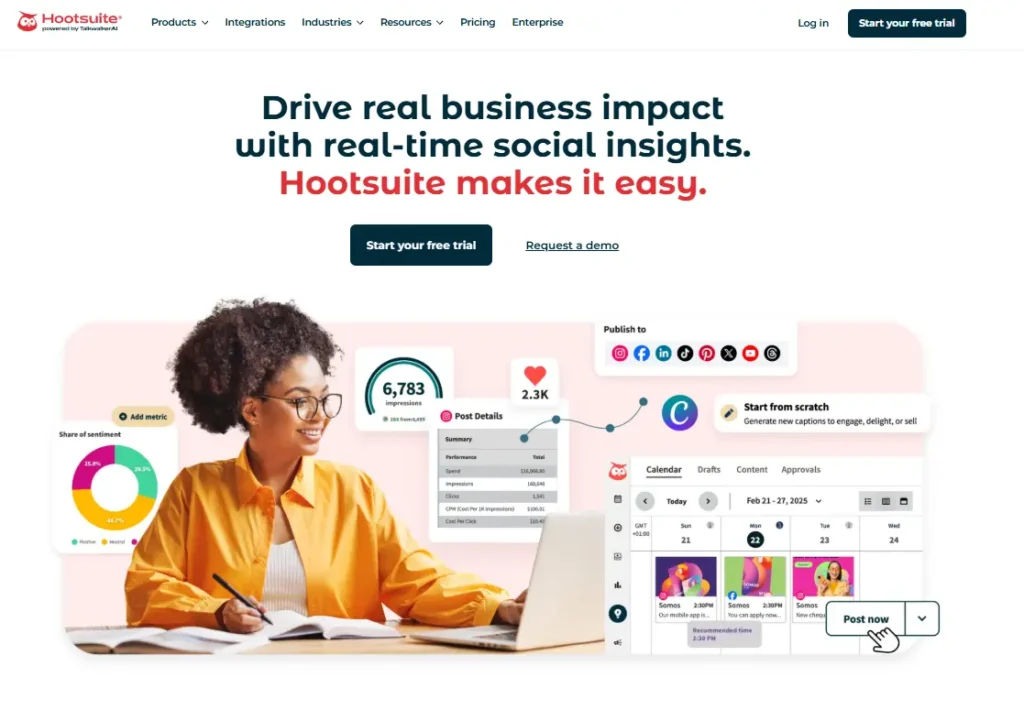

HootSuite
Hootsuite is an all-in-one social media management platform that helps businesses schedule content, monitor conversations, engage audiences, and measure campaign performance across multiple social networks. It is designed for marketers, agencies, enterprises, and social media teams looking to streamline their workflows.
Buffer
- Free plan available for basic scheduling
- Essentials plan starts around $6/month per channel
- Team and agency usage scales based on connected accounts and collaboration features
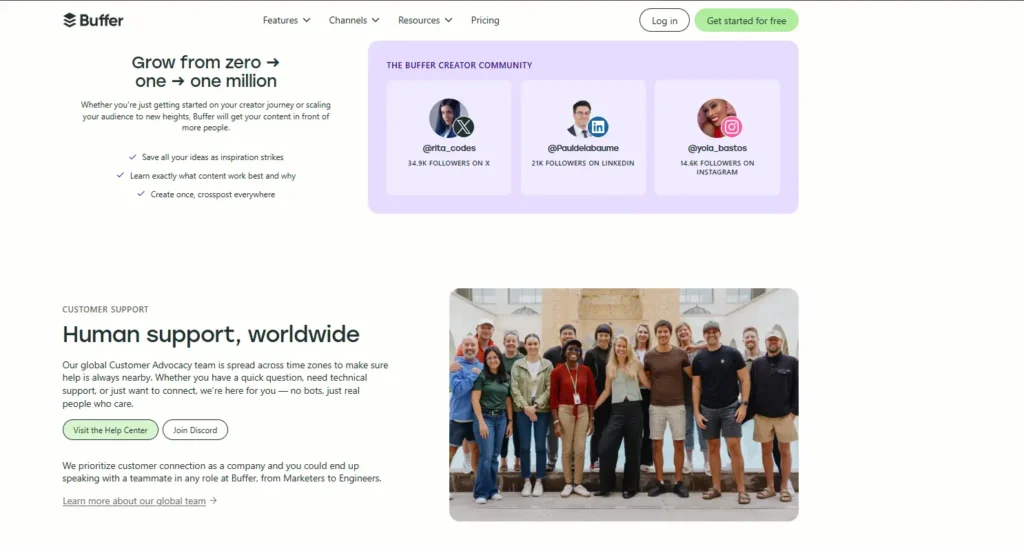

Buffer
Buffer is a social media management platform that helps individuals, creators, and businesses plan, schedule, publish, and analyze content across multiple social networks. It simplifies content workflows while providing AI-powered writing assistance and performance insights from a single dashboard.
5. Slack + Zapier
For Communication & Automation
What this combination does:
- A new lead scores above your threshold in HubSpot → Slack notifies the right sales rep instantly without delays
- A closed deal in HubSpot → Zapier triggers onboarding task creation in Asana automatically
- Approved social content → moves directly into Buffer's scheduling queue without anyone copying it across
- A performance alert from SEMrush → appears in the relevant Slack channel before anyone opens the analytics dashboard
- A campaign brief approved in ClickUp → Zapier creates the tracking sheet, notifies the team, and logs the project — one trigger, multiple outcomes
PRICING (APRIL 2026)
| Tool | Free Plan | Entry Paid | When to Upgrade |
|---|---|---|---|
| Slack | Yes (90-day message history) | $7–9/user/mo (Pro) | When you need message history, workflow automation, and app integrations at scale |
| Zapier | Yes (100 tasks/mo, 2-step Zaps) | $19.99/mo Pro (750 tasks, multi-step) | When you need multi-step Zaps or premium app connections |
HONEST TAKE: The Zapier free plan is suitable for testing only. For any production marketing workflow, the $19.99/month Professional plan is the minimum as it unlocks multi-step Zaps, which is where the real automation value lives.
While these tools have been mentioned at the end of the list, it’s still the most important one out of all of the above. Slack and Zapier are considered to be the automation layers that connects the entire AI marketing stack together,
With the integration of these tools, updates show up where the teams are already having a conversation instead of the marketers jumping between CRM dashboards and analytics tools
Slack
- Free tier available
- Paid plans typically start around $7–$9 per user/month, with higher tiers adding workflow automation and enterprise controls.
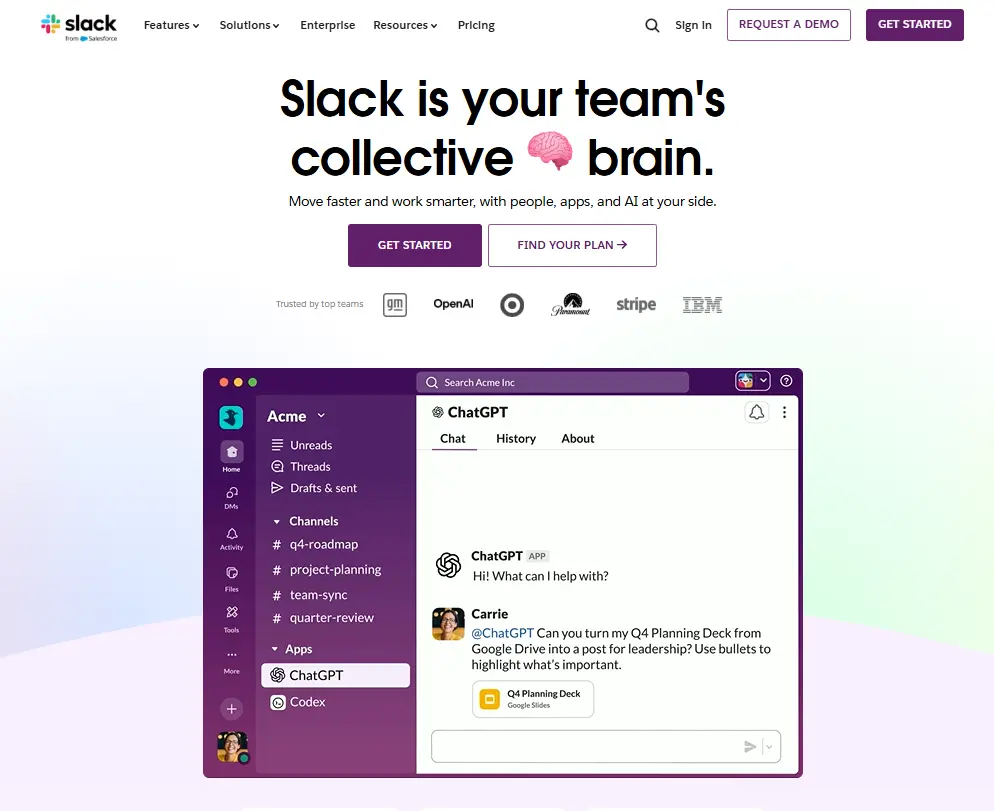
Slack
Slack is a business communication platform that brings together messaging, file sharing, meetings, AI-powered search, and app integrations in one workspace. It helps teams collaborate faster, reduce email, and keep work organized across channels and conversations.
Zapier
- Free plan for basic automations
- Paid plans begin near $20/month and scale based on automation volume and complexity.

Zapier Central
Zapier Central is a no-code AI automation platform that lets you build intelligent agents to handle tasks across thousands of apps. It’s designed for businesses and teams who want to automate workflows, delegate tasks to AI, and reduce manual work without coding.
Full Stack Comparison – ROI and Payback at a Glance
| Tool | Primary Win | Time Saved | Est. Monthly Cost | Payback |
|---|---|---|---|---|
| HubSpot | Lead conversion + campaign reporting | 3–5 hrs/week on reporting alone | $0–$815 | 1–3 months |
| SEMrush/Ahrefs | Organic traffic + competitive intelligence | 5–8 hrs/week on research | $129–$250 | 2–4 months |
| Asana/ClickUp | Campaign coordination + status updates | 4–6 hrs/week on project admin | Free–$19/user | Immediate |
| Hootsuite/Buffer | Consistent posting + performance tracking | 3–4 hrs/week on scheduling | Free–$99 | Immediate |
| Slack +Zapier | Handoff automation + stack integration | 2–3 hrs/week on manual triggers | $27–$30/mo combined | First week |
[Browse all marketing automation tools at AI for Business Automation Here]
Total stack investment for a small-to-mid agency: under $500/month. Total time recovered: 15–25 hours per week, depending on team size and current workflow complexity.
How to Build This Stack Without Disrupting What's Already Working
Follow this order to make your team comfortable with each tool, before deploying all of them at once. Later on, you can keep adjusting the automations as per your needs:
Week 1
Establish the communication layer
List down all the bottlenecks. Then, set up Slack and connect Zapier. Build one simple trigger that eliminates a manual handoff your team makes every day. Before expanding, prove the concept to the team.
Week 2
Activate the CRM
Move your lead management into HubSpot. Set up one automated email workflow. Connect it to Slack via Zapier so the sales team gets notified of priority leads in real time.
Week 3
Add project management
Migrate your next campaign into Asana or ClickUp. Use the AI task generation to create the brief-to-task workflow. Connect to Slack for status updates.
Week 4
Lock in social and SEO
Set up Buffer or Hootsuite for your content calendar. Then activate your SEMrush or Ahrefs account and run your first competitor gap analysis. These tools compound in value, so – the sooner the data starts collecting, the sooner the insights become actionable.
One rule: do not add a new tool until the previous one is fully operational and saving you measurable time. A half-built stack is worse than no stack.
Remember: The Stack Alone Is Not the Strategy
The marketing agencies that are actually doing well in 2026, are majorly focusing on using familiar platforms and integrating AI into existing workflows, instead of rebuilding everything from scratch. Boring, but important.
Lead data from HubSpot informs your content strategy in SEMrush. Campaign timelines in ClickUp trigger Slack alerts via Zapier. Social performance data in Buffer shapes what content gets prioritised next month.
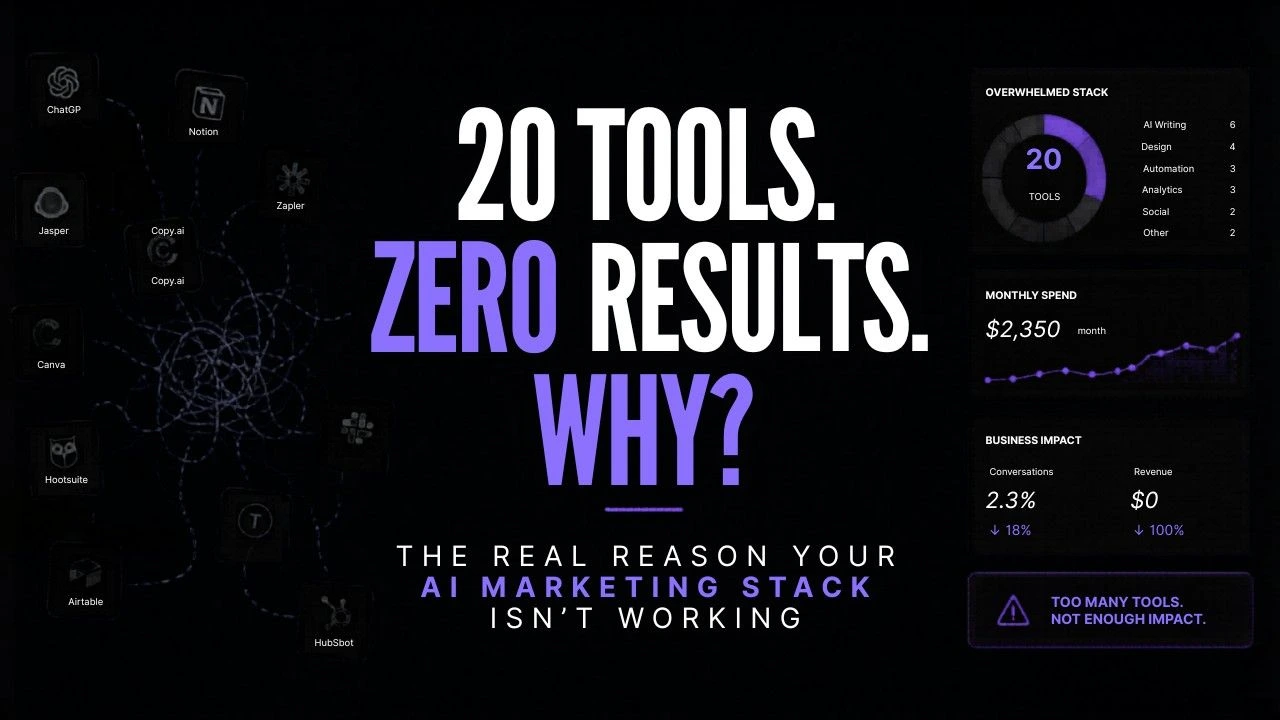
That is what a real AI marketing stack looks like. Not a list of 20 tools, but a system where five tools do the work of fifteen.
[Browse all marketing automation tools at AI for Business Automation Here]
Last verified: April 2026. Pricing subject to change confirm on each tool's official pricing page before purchasing.