Akiflow

Turn scattered tasks into a focused daily workflow

4.5/5 Rating Paid - $34/month High annual pricing, No free forever plan, Premium integrations on paid plans Free Trial Available

Enterprise Technology Specs

Underlying Engine Proprietary Productivity AI Models
Compliance & Security GDPR Compliant
Data Privacy Private Workspace Controls
Deployment Time <5 minutes

Product Demo

The Deep Dive

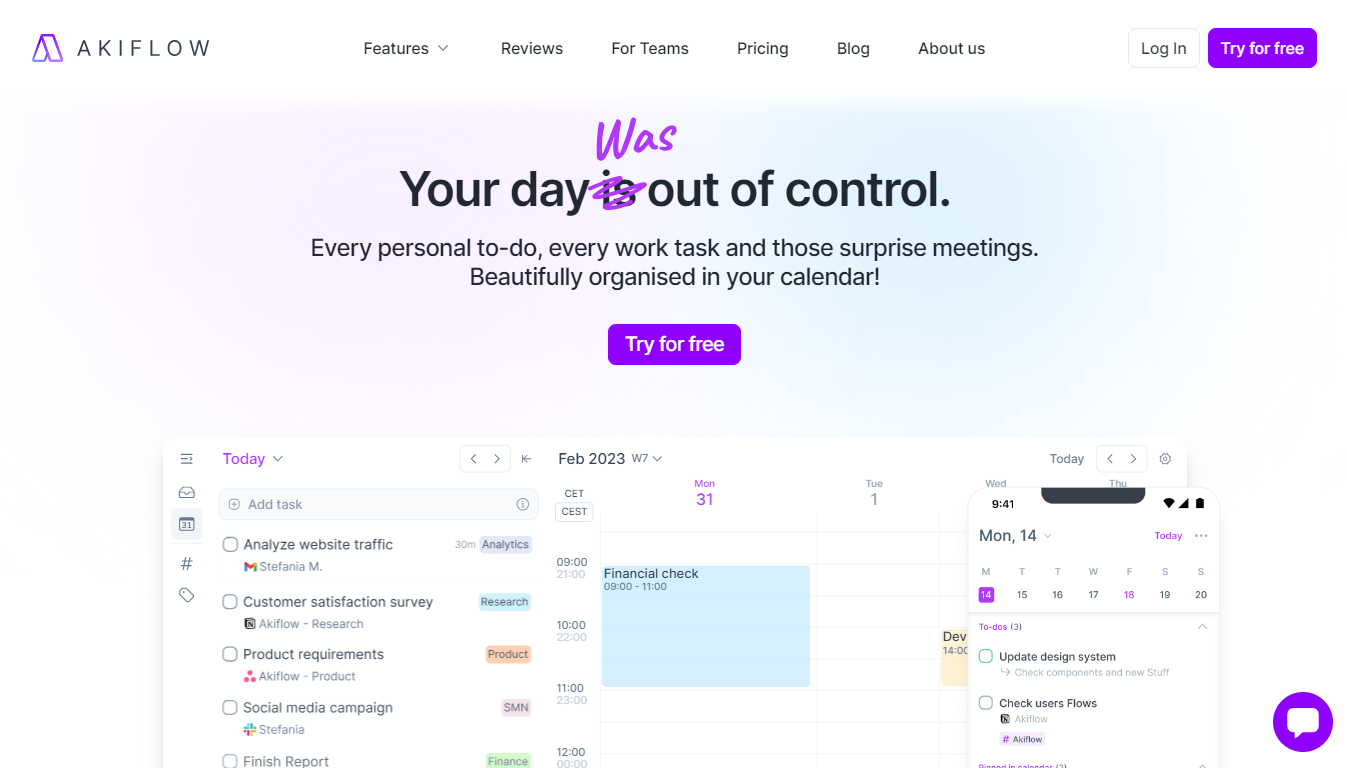
Akiflow is built for people who constantly feel pulled between calendars, Slack notifications, emails, and task managers. Instead of adding another productivity layer, it tries to centralize everything into one focused daily workflow.

The biggest strength is speed. Capturing tasks, planning time blocks, and reorganizing priorities feels much faster than traditional productivity apps. Heavy multitaskers and remote workers will probably appreciate how quickly Akiflow reduces app switching.

Still, it’s not perfect. The pricing is definitely premium, and some integrations can feel inconsistent depending on your workflow. Beginners may also need a few days before the system fully clicks.

But once you get comfortable with it, Akiflow becomes the kind of productivity tool that quietly keeps your day from falling apart. For busy operators and founders, that can be worth the cost.

Key Capabilities

Unified task inbox
Calendar time blocking
Task synchronization
Keyboard shortcuts
Daily planning tools
Notification consolidation
Cross-platform syncing
AI productivity assistance

Top Use Cases

  • Daily task planning
  • Time blocking
  • Managing remote work
  • Organizing meetings
  • Reducing notification overload
  • Centralizing productivity workflows
Verified ROI & Case Study

“A remote consulting team reported a 32% increase in task completion consistency after centralizing workflows with Akiflow.”

Frequently Asked Questions

Is Akiflow worth the price?

Akiflow is valuable for professionals managing multiple projects and apps daily. However, casual users may find the pricing expensive compared to simpler task managers.

Does Akiflow replace a calendar app?

Not completely. It works alongside Google Calendar and Outlook while adding advanced planning and task management features.

Is Akiflow beginner-friendly?

The interface is clean, but mastering workflows and shortcuts can take a few days for new users.

Can Akiflow integrate with project management tools?

Yes. Akiflow connects with tools like Asana, Trello, ClickUp, Todoist, and Notion.

Does Akiflow work on mobile?

Yes. Akiflow offers desktop and mobile apps for managing schedules and tasks on the go.