Key Takeaways
- Six AI tools power most serious AI products in 2026, yet rarely appear in mainstream coverage.
- LangChain enables multi-step reasoning. LlamaIndex stops hallucination. Pinecone searches by meaning, not keywords.
- Trigger.dev runs tasks in the background. Replicate deploys models via one API call. Gradio builds usable interfaces in hours.
- All six connect. Together they form one complete AI product stack.
- No server setup or ML background required to start experimenting with most of these.
Introduction
Most people using Artificial Intelligence now are still just giving instructions to ChatGPT. That is okay.. If you have ever been curious about how companies such as Notion, Perplexity or your favourite AI writing tool actually get created behind the scenes then this article is for you.
The top AI tools for developers, in 2026 are not the chatbot interfaces that everyone shares on LinkedIn. They are the systems that make those products work well grow easily and are actually worth paying for.
According to McKinsey’s 2024 State of AI report, over 65 percent of organisations are now using AI in at least one business function, up from 33 percent just two years earlier. That growth isn’t coming from prompt engineers. It’s coming from teams who understand how to connect the right tools in the right order.
You’ve probably never heard of most of the tools in this article. That’s exactly the point. Let’s get into it.
What is an AI developer tool, exactly?
Before we dive into the list let me quickly define what I mean by AI developer tools.
An AI developer tool is anything that helps someone build, connect or run an AI feature inside a product. Think of it like plumbing in your home. You do not see the pipes when you walk into a kitchen. Without them the water does not flow and the sink does not work.
These six tools are like those pipes. They help make AI features work, in products.
1. LangChain: The tool that lets AI think in steps
What it does in one line: LangChain connects multiple AI actions into a sequence so your AI completes tasks instead of just answering one question and stopping.
Imagine this situation: You ask an AI assistant to look at the customer complaints from quarter and write a summary with three ideas. A regular AI model will. Make something up or say it cannot do it because it does not have access to your actual information. LangChain lets you create a system where the AI assistant first looks at your database reads the information it finds and then writes the summary. It does this step by step like an analyst who follows a set of steps.
This is what the trend of using AI agents is, about and it’s the same trend behind our roundup of the best agentic AI tools for business. The AI does things it does not just give answers.
From my experience working with companies I have seen that most people do not think the setup will take long. LangChain is not hard to use. It is better if you are patient. You should give yourself a hours before you expect everything to work properly.
Where it shines: Multi-step research, automated workflows, decision-making pipelines.
Watch out for: New to Python? Go slower than you think you need to. Rushing this one causes frustrating bugs.

LangChain
LangChain is an open-source framework that helps developers build, test, and deploy AI-powered applications and agents. It’s designed for engineers who want to connect LLMs with data, APIs, and workflows.
2. LlamaIndex: The tool that stops AI from making things up
What it does in one line: LlamaIndex connects an AI model to your own documents so it answers from real information, not guesswork.
Hallucination is still one of the most significant problems in AI. The model sounds confident, gives you an answer, and that answer is simply wrong. For consumer apps, that’s annoying. For business tools, it’s expensive.
LlamaIndex solves this using a technique called RAG, which stands for Retrieval Augmented Generation. Instead of the AI guessing, it first searches a specific set of documents you define. Then it answers based only on what it actually found there. No invention. No filler.
Imagine this: a customer service bot that answers from your actual help articles instead of inventing a policy that doesn’t exist. That’s LlamaIndex doing its job.
Where it shines: Internal chatbots, document Q&A tools, knowledge bases.
Watch out for: Your answers are only as good as the documents you feed in. Messy source material produces messy results.
LlamaIndex
LlamaIndex is a powerful data framework that helps developers connect large language models (LLMs) to external data sources. It’s built for AI developers, startups, and enterprises looking to build context-aware apps like chatbots and copilots.
Pause and Think
You’ve seen two tools. Before moving forward, ask yourself honestly: which of these two would solve a problem you currently have? Write it down. The tools that actually stick are always the ones you tie to a real situation first.
3. Pinecone: The database that understands meaning
What it does in one line: Pinecone is a vector database that stores and searches information based on semantic meaning, not exact keywords.
A regular database answers the question “does this document contain the word refund?” Pinecone answers the question “does this document talk about getting money back?” That distinction matters enormously for anything search-related.
What I’ve noticed working with businesses exploring AI-powered search is that most of them don’t realise how much they lose to keyword mismatch. A user types “return my order” and gets served a page titled “Refund Policy.” The words didn’t overlap exactly, so the system fails them. Pinecone closes that gap because it searches for meaning, not just matching text.
Where it shines: AI-powered search, recommendation engines, anything paired with LlamaIndex.
Watch out for: The free tier has real limits. Think through your data volume before you start building.
Pinecone
Pinecone is a fully managed vector database designed to power AI applications like semantic search, recommendations, and RAG systems. It’s built for developers and AI teams who need fast similarity search without managing infrastructure.
Option A vs option B: Traditional search vs vector search
| Feature | Traditional Keyword Search | Vector Search (Pinecone) |
|---|---|---|
| Matches | Exact words only | Meaning and context |
| Handles typos | Poorly | Well |
| Understands synonyms | No | Yes |
| Best for | Simple product catalogues | AI apps, chat, recommendations |
| Setup complexity | Low | Medium |
4. Trigger.dev: The tool that keeps AI apps from breaking
What it does in one line: Trigger.dev runs long AI tasks in the background so your app doesn’t freeze or time out while the AI is working.
Imagine this. A user uploads a 40-page PDF and asks your AI to summarise it. That takes time. If you run that process directly inside the app, the page hangs. The user refreshes. The request dies. They assume the product is broken.
Trigger.dev routes that job quietly to the background and notifies the user when it’s done. Because of this, the experience stays clean and professional instead of feeling broken.
This is also the infrastructure problem that most AI tutorials skip entirely. They show you how to make the AI work. They don’t show you how to make it work without ruining the experience for anything that takes longer than five seconds.
Where it shines: File processing, batch AI tasks, any workflow running longer than ten seconds.
Watch out for: You’ll need some backend knowledge to configure this properly. It’s not the right starting point if you’ve never touched server-side code.

Trigger.dev
Trigger.dev is an open-source platform for building and deploying long-running background tasks, AI agents, and workflows using code. It provides durable execution, retries, queues, scheduling, observability, and managed infrastructure without serverless execution timeouts.
5. Replicate: AI models on demand, no servers required
What it does in one line: Replicate lets you run thousands of AI models, including image, audio, and video models, through a single API call with no infrastructure setup.
The multimodal AI trend is very real. However, most image, audio, and video models are impossible to self-host without a serious cloud budget and a dedicated infrastructure team. Replicate removes all of that. You call a URL. You get your output. No GPU configuration. No server costs before you’ve even built anything worth charging for.
And this connects to something broader worth understanding. The best AI tools for developers aren’t isolated. They connect through clean AI workflow handoffs one tool feeds the next. For example, if you’ve been following how AI-powered productivity stacks are being built for real business workflows, the same principle applies here. One tool feeds the next. That’s what turns a feature into a product.
Mini Checklist: Is Replicate right for you?
- Do you need image, audio, or video AI in your product?
- Do you want to avoid managing your own cloud infrastructure?
- Are you building a prototype and want something working this week?
If you checked two or more, start here.
Watch out for: Costs scale fast with usage. Set a spending alert before you forget about it.
Replicate
Replicate is a platform that lets developers run machine learning models in the cloud using simple APIs. It’s designed for AI engineers, developers, and startups who want to deploy and scale models without managing infrastructure.
6. Gradio: Turn any AI model into something people can actually use
What it does in one line: Gradio converts a working AI model into an interactive web interface in a few lines of Python.
This is the most underrated tool on this list. You don’t need to design a frontend. You don’t need to learn React or hire a UI developer. Instead, you write a few lines, run Gradio, and suddenly your model has an input field, an output section, and a shareable link you can send to a client by end of day.
And yes, it looks good enough to actually demo.
This is how most AI researchers and indie developers share their work. It’s how hackathon projects go from “it runs in my terminal” to “here’s a link, try it.” But it’s also genuinely useful for internal teams the same audience covered in our piece on AI tools for small teams that need a quick interface to test something before committing to building a full product around it.
According to GitHub’s Octoverse report on the rise of AI in open source, developer tooling for AI interfaces has seen some of the fastest adoption growth in software. Gradio sits near the top of that list for good reason.
Where it shines: Demos, prototypes, internal tools, research projects.
Watch out for: Gradio isn’t built for production scale with thousands of daily users. Think of it as the fastest path from working model to something clickable, not a long-term frontend solution.

Gradio
Gradio is an open-source Python library that lets you quickly create interactive web interfaces for machine learning models. It’s designed for AI developers, researchers, and startups who want to showcase or test models without frontend work.
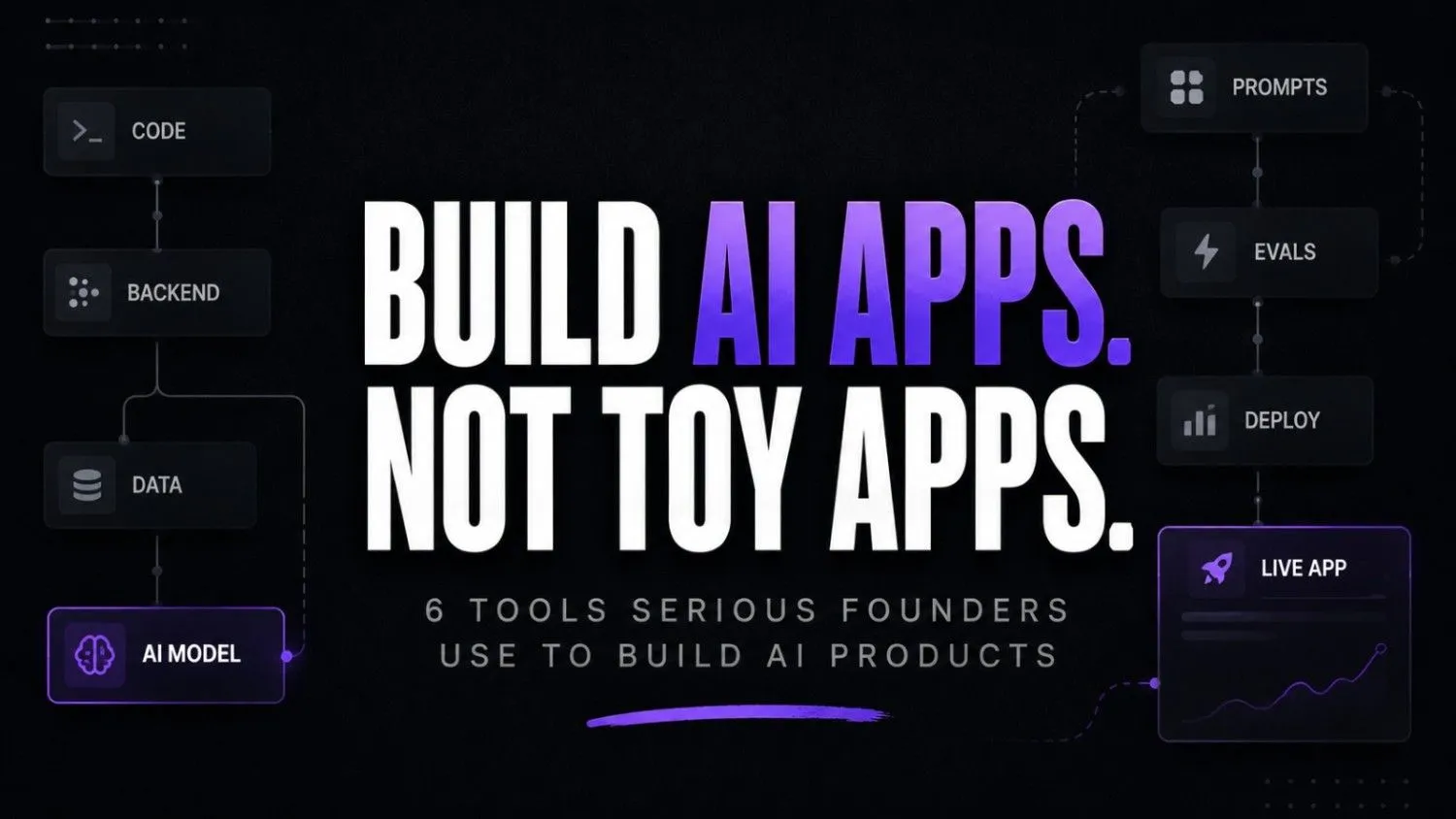
How these six tools work together
Here’s the architecture nobody draws out clearly enough.
Documents / Data Sources
↓
LlamaIndex
(Indexing + retrieval setup)
↓
Pinecone
(Vector storage + semantic search)
↓
User asks a question
↓
Pinecone retrieves relevant context
↓
LangChain
(Multi-step reasoning + response orchestration)
↓
Trigger.dev
(Background processing for long AI tasks)
↓
Replicate
(Image / audio / video model execution)
↓
Gradio
(Testable user interface / prototype
That’s a full AI product stack. Built from six tools that most people scrolling LinkedIn have genuinely never heard of.
Where this is all going
The race in AI right now isn’t really about which model scores highest on benchmarks. It’s about which teams understand the infrastructure well enough to actually ship something real.
These tools aren’t new. Most have been around for two or three years. But they’re maturing faster than people realise. The documentation keeps improving. The barrier to getting started drops every quarter.
Six months from now, knowing this stack will feel as basic as knowing how to use Google Analytics. The question is whether you want to be the person who figured it out early or the one catching up later.
So here’s what I’ll leave you with: if you had to pick just one tool from this list to learn in the next 30 days, which one would it be? And what would you actually build with it?