Cursor IDE

AI-first code editor built for faster development

4.8/5 Rating Free - $20 / month Usage-based pricing tiers Free Trial Available

Enterprise Technology Specs

Underlying Engine GPT-4, Claude, custom fine-tuned models
Compliance & Security Enterprise Grade Security
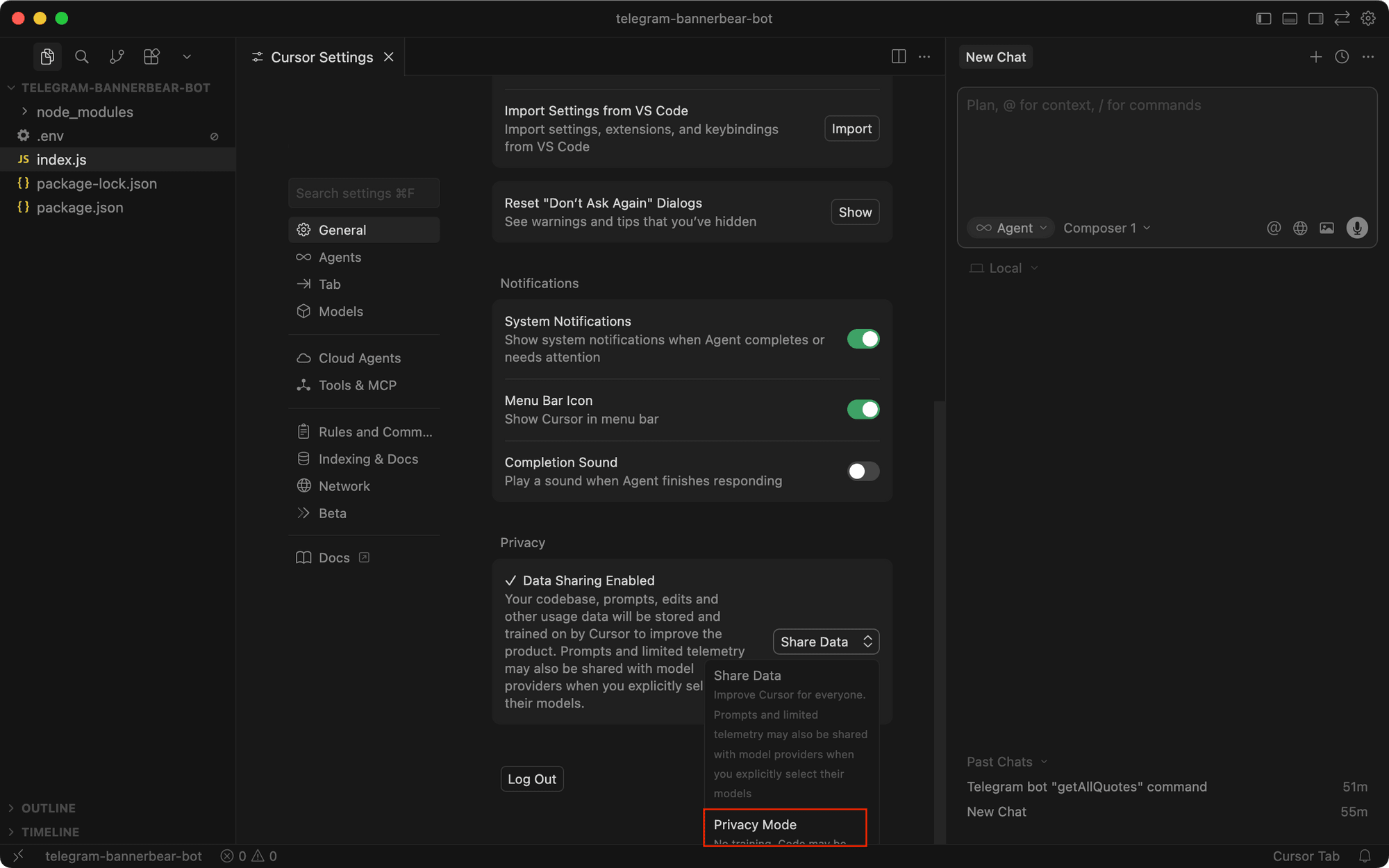
Data Privacy Opt-out Default (GDPR)
Deployment Time <5 minutes

The Deep Dive

Cursor IDE is an AI-powered code editor built on top of Visual Studio Code that helps developers write, edit, and understand code faster. It integrates advanced AI models to generate, refactor, and debug code directly inside your workflow.

Key Capabilities

AI-native code editor built on VS Code
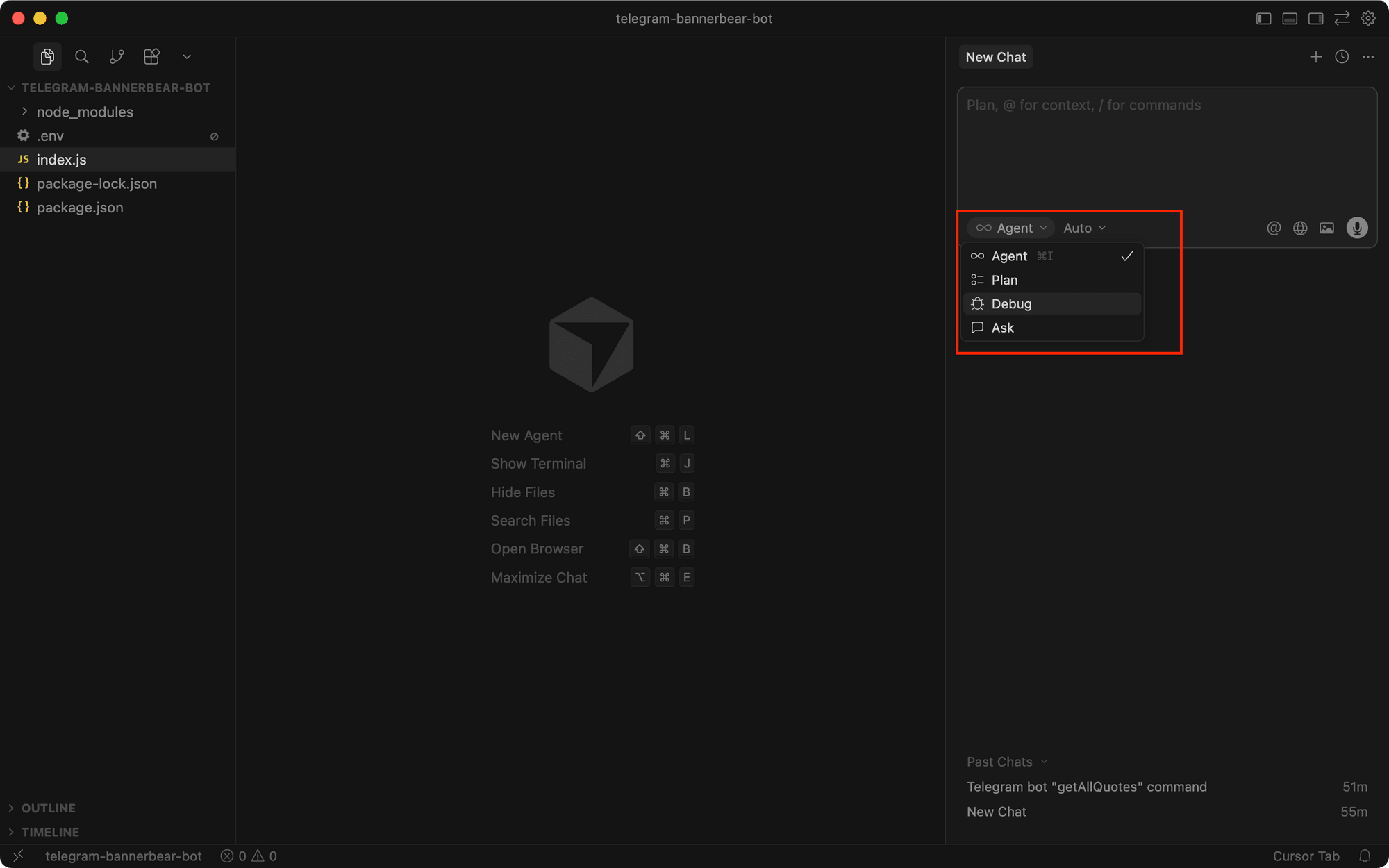
Agent mode for end-to-end task execution
Context-aware code generation across files
Natural language code editing and refactoring
Smart autocomplete and multi-line suggestions
Codebase-wide search using AI
Built-in debugging and error fixing

Top Use Cases

  • Full-stack app development
  • Debugging and bug fixing
  • Code refactoring and optimization
  • Learning and understanding codebases
  • Rapid prototyping with AI
Verified ROI & Case Study

“A development team increased coding speed by 2–3× and reduced debugging time by 40% using Cursor’s AI agent workflows.”

Frequently Asked Questions

What is Cursor IDE?

Cursor IDE is an AI-powered code editor that helps developers write, edit, and debug code using natural language. It understands entire codebases and enables faster software development with AI assistance.

What is Cursor IDE used for?

Cursor IDE is used for writing, editing, and debugging code using AI. It helps developers automate repetitive coding tasks and understand complex codebases faster. This improves overall development speed and efficiency.

Is Cursor IDE free to use?

Cursor offers a free plan with limited usage. Paid plans provide access to advanced AI models and higher usage limits. Costs can increase depending on how heavily you use the tool.

How is Cursor different from VS Code?

Cursor is built on VS Code but adds deep AI integration. It can understand entire projects, generate code, and refactor files using natural language. VS Code alone does not offer this level of AI capability.

Does Cursor support multiple AI models?

Yes, Cursor supports models like GPT-4 and Claude. This allows developers to choose the best model for different tasks. It also improves flexibility and performance.