
Enterprise Technology Specs
Underlying Engine
GPT-4, Microsoft proprietary models, Anthropic Claude, natural language processing (NLP)
Compliance & Security
SOC2 Type II, GDPR
Data Privacy
Private Compute Enclave
Deployment Time
10–30 minutes
Interface Preview
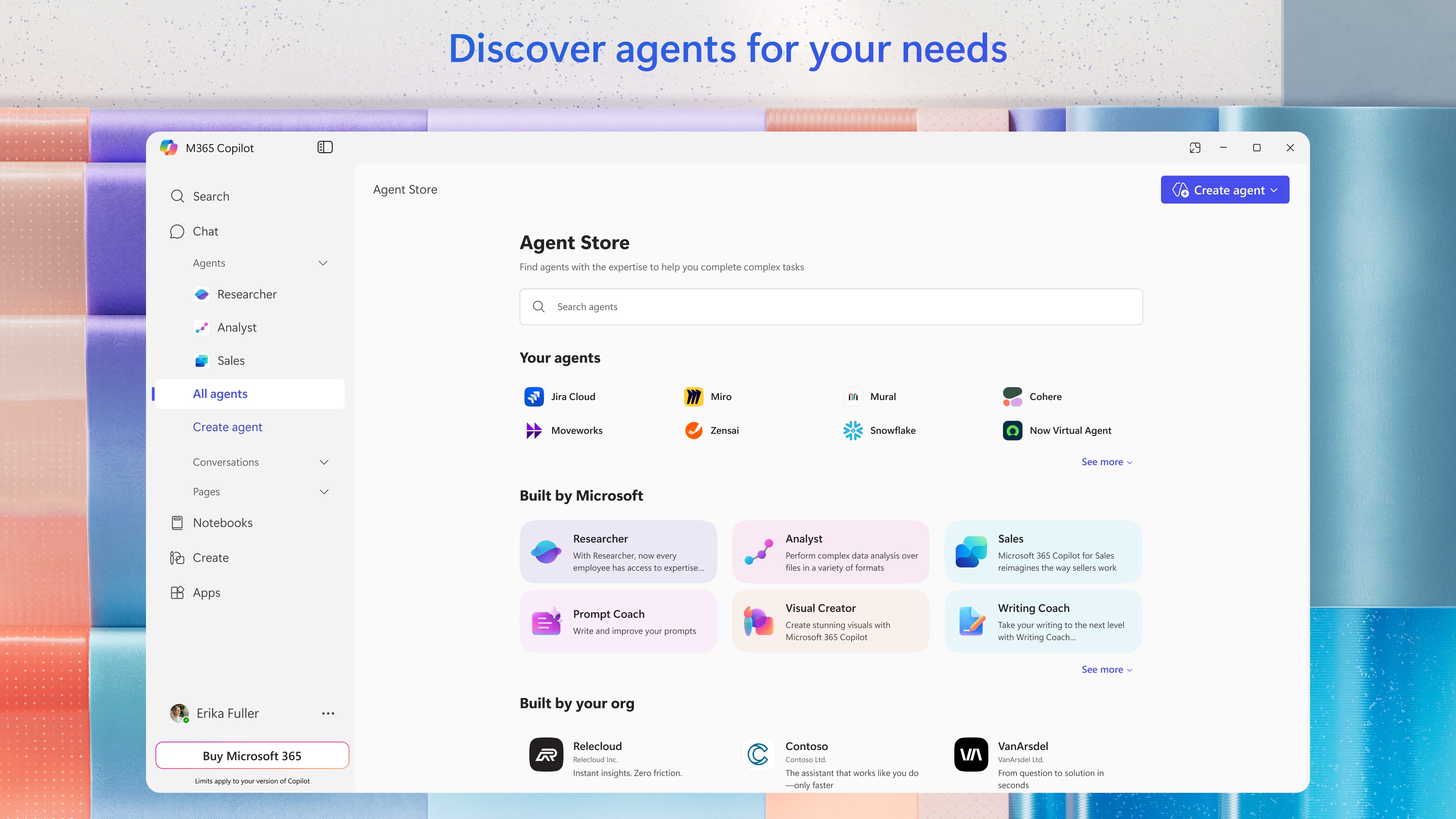
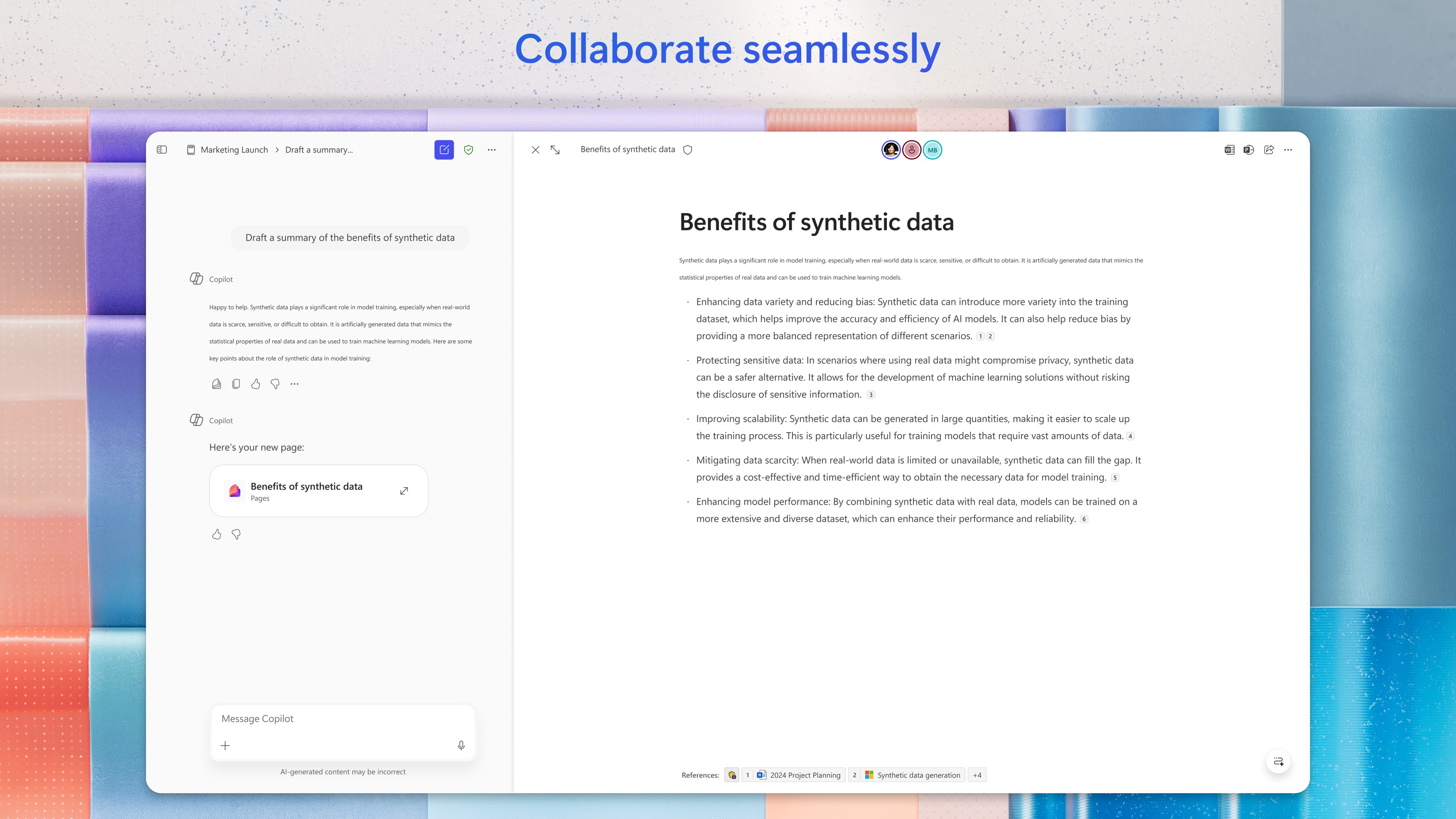
Product Demo
The Deep Dive
Microsoft Copilot is an AI-powered assistant integrated across Microsoft 365, Windows, and enterprise tools. It helps users write, analyze data, automate tasks, and boost productivity directly inside apps like Word, Excel, and Teams.
Key Capabilities
AI writing in Word
Data analysis in Excel
Presentation generation in PowerPoint
Email drafting in Outlook
Meeting summaries in Teams
AI chat assistant
Workflow automation
Context-aware suggestions using Microsoft Graph
File and document summarization
Custom AI agents (Copilot Studio)
Top Use Cases
- Document writing and editing
- Data analysis and reporting
- Email automation
- Meeting summarization
- Presentation creation
- Workflow automation
- Internal knowledge assistance
Verified ROI & Case Study
“A corporate team reported saving 10+ hours per week per employee and improving reporting efficiency by 40% after integrating Microsoft Copilot into daily workflows.”

