Raycast

Your AI-powered shortcut to faster work.

4.8/5 Rating Freemium - Free (Pro starts at $8/month billed annually or $10/month billed monthly) Advanced AI add-on costs extra, Team plans billed per user, Higher AI usage requires paid plan Free Trial Available

Enterprise Technology Specs

Underlying Engine OpenAI GPT models, Anthropic Claude models, Google Gemini models, xAI Grok models, Perplexity models, Local Ollama models (depending on plan/BYOK)
Compliance & Security Enterprise Grade Security
Data Privacy Opt-out Default (GDPR)
Deployment Time <5 minutes

Product Demo

The Deep Dive

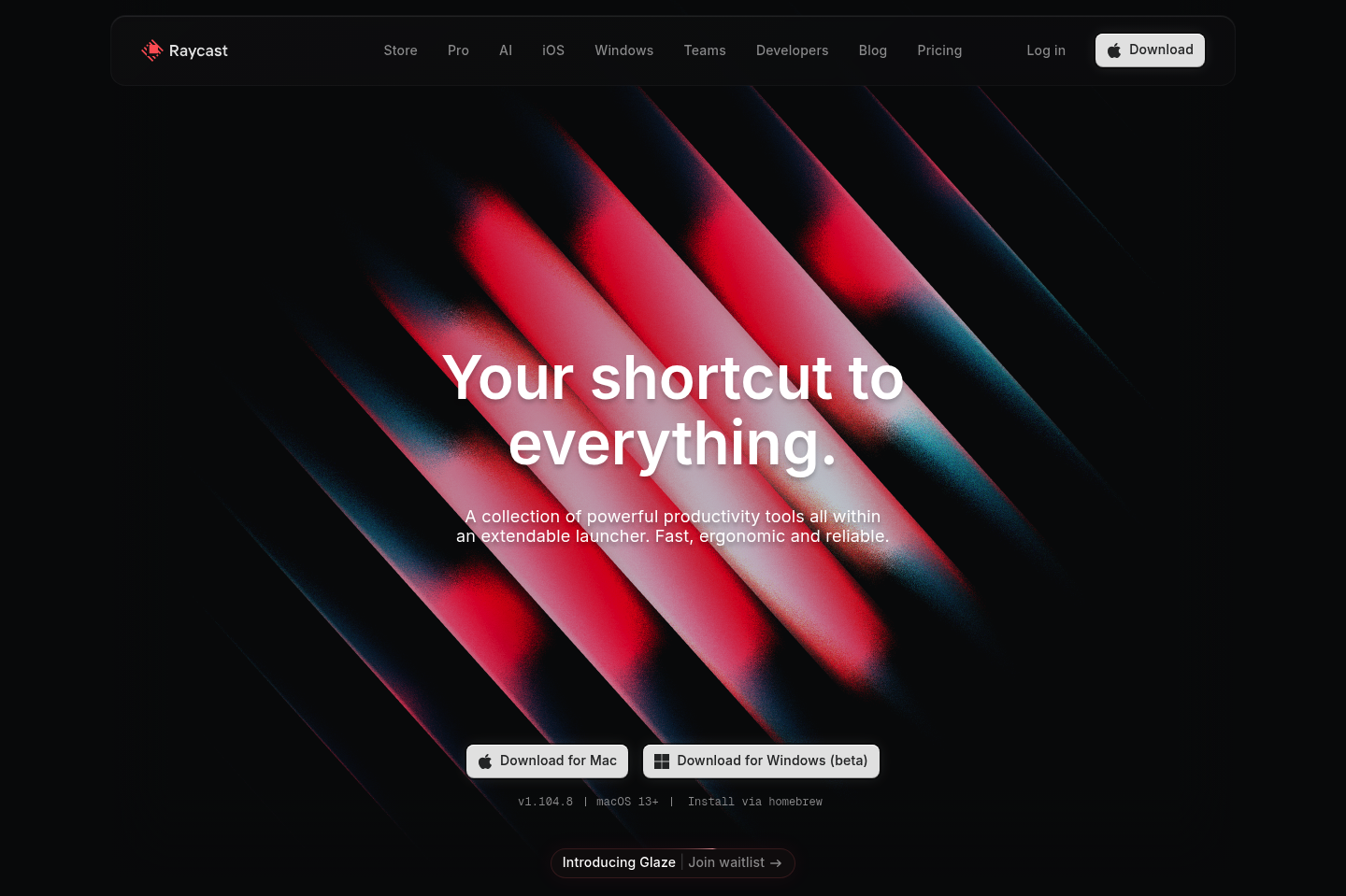
Raycast has grown from being a simple app launcher into a complete productivity platform. Instead of jumping between apps, browser tabs, and utilities, you can perform most everyday actions directly from one command bar. That's what makes it feel different from traditional launchers. The AI integration is especially useful because it sits inside your workflow instead of feeling like a separate chatbot. Developers appreciate the extension ecosystem, while business users often rely on notes, snippets, quick links, and automation to speed up repetitive work. The learning curve is slightly higher than simpler launchers because there are so many capabilities available, but once you build a few habits, the productivity gains become noticeable. If your work happens mostly on a keyboard and you enjoy optimizing workflows, Raycast is one of the strongest productivity investments available today.

Key Capabilities

AI Chat
Universal Launcher
Clipboard History
Snippets
Quicklinks
Window Management
Notes
File Search
Custom Extensions
Script Commands
Calendar
Translator
Cloud Sync

Top Use Cases

  • Launch applications instantly
  • Generate AI content
  • Search files
  • Manage clipboard history
  • Automate repetitive tasks
  • Take quick notes
  • Control music
  • Navigate developer workflows
Verified ROI & Case Study

“Raycast reports a 99.8% crash-free experience and is designed for millisecond-level performance, helping users reduce repetitive actions and navigate workflows significantly faster.”

Frequently Asked Questions

Does Raycast have a free plan?

Yes. Raycast offers a generous free plan with core productivity tools and limited AI usage. Users can upgrade when they need more AI messages, cloud sync, or premium features.

Is Raycast only for developers?

No. While developers love it, Raycast is also useful for writers, marketers, founders, designers, students, and anyone who spends a lot of time on a computer.

Can Raycast replace multiple productivity apps?

For many users, yes. It combines launching apps, notes, snippets, AI chat, clipboard history, quick links, and automation into a single interface.

Does Raycast support AI models?

Yes. Depending on your subscription, Raycast supports multiple leading AI providers and also offers Bring Your Own Key (BYOK) and local model options.

Is Raycast available on Windows?

Yes. Raycast now offers a Windows version alongside its macOS experience, although some features continue to evolve.