Cursor

AI coding agent for building software faster

4.8/5 Rating Freemium - Free Free Hobby plan has limited Agent requests, Pro includes a monthly model usage allowance, third-party model usage can consume a separate usage pool, on-demand usage is billed after included usage is consumed, applicable taxes are extra, India-only Start plan costs ₹649/month Free Trial Available

Enterprise Technology Specs

Underlying Engine Grok 4.5, Composer 2.5, OpenAI models, Anthropic models, Google models, SpaceXAI models
Compliance & Security SOC2 Type II, GDPR
Data Privacy Zero Data Retention
Deployment Time <5 minutes

Product Demo

The Deep Dive

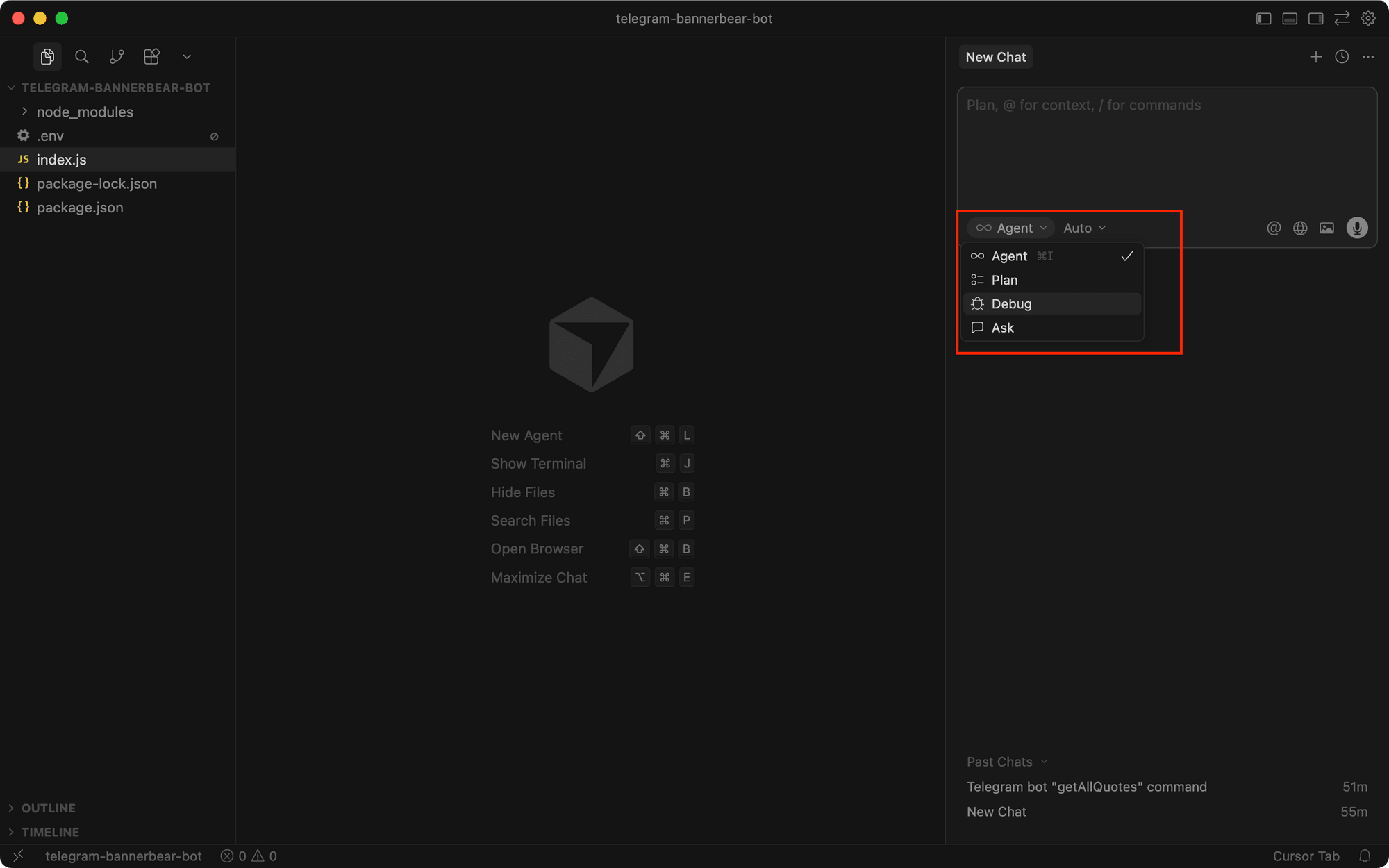
Cursor is best understood as an AI coding agent rather than just another code editor with autocomplete. The big difference is how much work you can hand over to it. Instead of asking AI to generate one function at a time, you can give an agent a larger development task and let it inspect the codebase, plan changes, write code, and prepare the result for review.

That becomes even more interesting with Cloud Agents. Cursor can run agents in their own computers while you continue working elsewhere, making it practical to run several development tasks in parallel.

For serious developers, the combination of agents, Composer, CLI workflows, model choice, MCP, and team integrations makes Cursor one of the more complete AI development environments available today. The main catch is cost control: heavy users need to understand included model usage and on-demand billing.

Key Capabilities

AI coding agents
Agentic software development
Cloud agents
Cursor Composer
Grok 4.5
Composer 2.5
Frontier model access
Codebase-aware development
Cursor CLI
Headless CLI workflows
MCP support
Skills and hooks
Agent automations
Agentic code reviews with Bugbot
Mission Control interface
Cursor Router
Mobile and remote agent access
Slack integration
Jira integration
GitHub workflows

Top Use Cases

  • Building web applications
  • Developing software features
  • Refactoring existing code
  • Debugging applications
  • Writing and updating tests
  • Investigating codebase issues
  • Automating development tasks
  • Running cloud coding agents
  • Creating CI automation
  • Reviewing pull requests
  • Working from Jira tickets
  • Running coding workflows from Slack
  • Building custom coding agents with CLI tools
Verified ROI & Case Study

“Coinbase reports that some teams using Cursor reduced time from idea to production from 20 days to less than 2 days, representing a reduction of more than 90%. Coinbase also reports that more than 2,400 developers use Cursor and that 75% of its PRs are created by agents.”


Frequently Asked Questions

Is Cursor free?

Yes. Cursor has a free Hobby plan with limited Agent requests and no credit card requirement. Paid plans provide higher Agent limits and access to additional capabilities.

How much does Cursor cost?

Cursor has a free Hobby plan and paid Individual plans starting at $20 per month. In India, Cursor also offers the Start plan at ₹649 per month, while additional model usage can be billed separately depending on the plan.

Is Cursor good for beginners?

Cursor can help beginners write and understand software, but it is more useful when you already understand basic programming concepts. AI-generated code should still be tested and reviewed before being used in a real application.

What AI models does Cursor use?

Cursor supports models from OpenAI, Anthropic, Google, and SpaceXAI, alongside its own Cursor Models pool. Its current Cursor Models include Grok 4.5 and Composer 2.5.

Can Cursor build an entire application?

Cursor can handle substantial parts of application development, including planning, coding, testing, debugging, and larger multi-file changes. However, developers still need to review architecture, security, generated code, and production behavior.