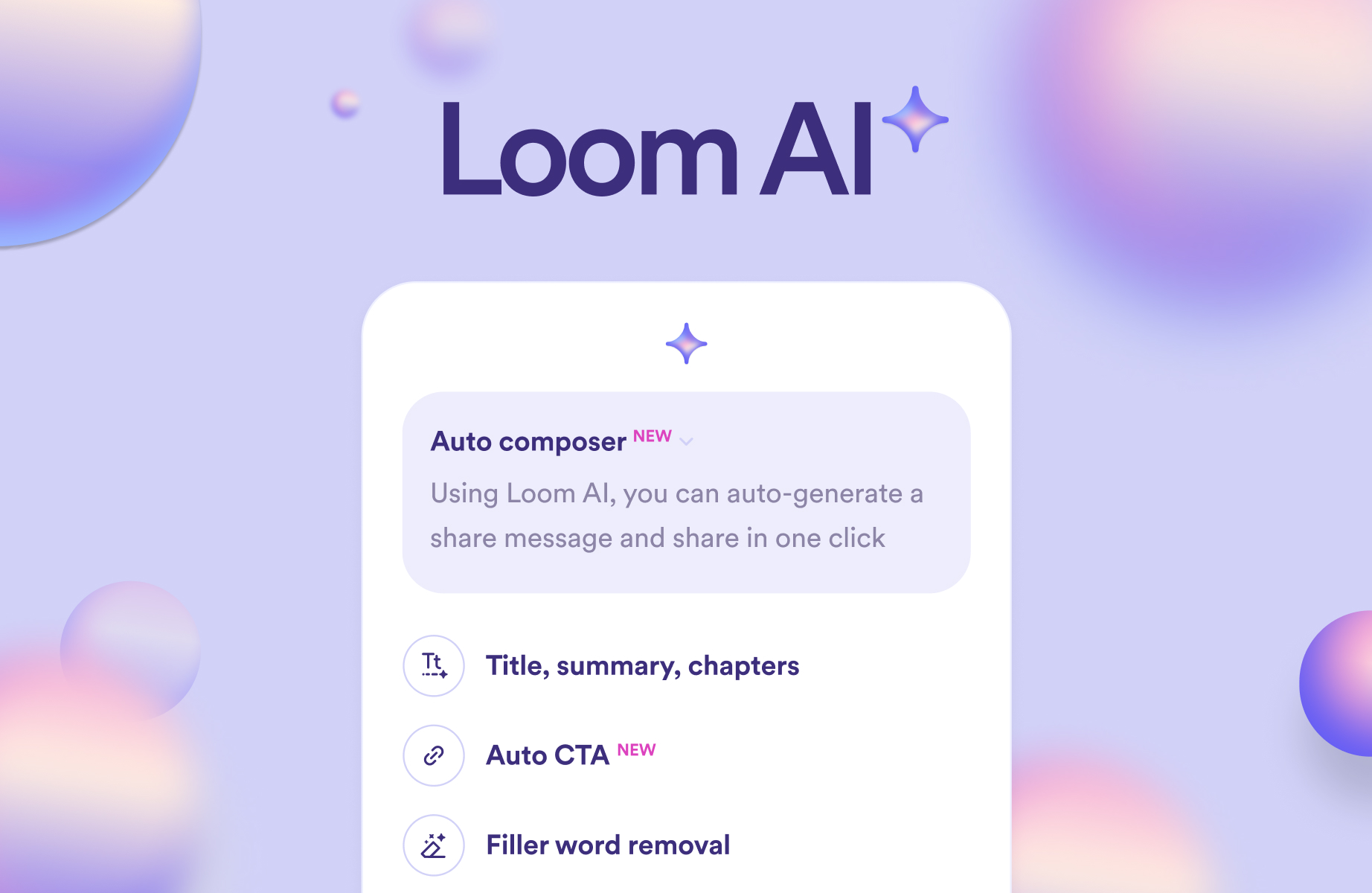
Loom AI

AI video messaging that edits itself instantly

4.7/5 Rating Free - Free Free plan limited to 5 minute recordings, AI features only in higher tier plans, Unlimited videos require paid plan Free Trial Available

Enterprise Technology Specs

Underlying Engine Speech recognition models, Natural language processing models, Video processing AI models
Compliance & Security Enterprise Grade Security
Data Privacy Trains on anonymized data
Deployment Time <5 minutes

Product Demo

The Deep Dive

Loom AI is built for speed, and that’s exactly where it shines. Instead of spending time recording, editing, and formatting videos, you just hit record and let the tool handle the rest. It cleans up your speech, removes awkward pauses, and even adds structure with summaries and chapters.

What makes it powerful is how it fits into daily workflows. Teams don’t need to schedule meetings anymore they can just send a Loom. The AI layer makes those videos clearer and more actionable without extra effort.

However, it’s not trying to replace full video editors. If you need detailed editing control or creative production, you’ll hit limitations quickly. But for internal communication, updates, and quick demos, it’s one of the fastest and most practical tools available right now.

Key Capabilities

AI auto video editing
Automatic titles and summaries
Auto chapter generation
Filler word removal
Silence trimming
AI meeting notes and recaps
Video to document conversion
AI workflows for tasks and reports

Top Use Cases

  • Async team communication
  • Product walkthrough videos
  • Bug reporting with video
  • Sales demos
  • Internal training videos
Verified ROI & Case Study

“Loom reports users can create and share videos up to 60% faster using AI-powered editing and workflows”

Frequently Asked Questions

What does Loom AI do?

Loom AI records your screen and camera while automatically enhancing the video. It adds summaries, titles, and edits without manual effort. This makes video communication faster and easier.

Is Loom AI free to use?

Yes, Loom offers a free plan with limited features and recording length. Advanced AI features are only available in paid plans. The free version is good for basic use.

How is Loom AI different from Loom?

Loom AI adds automation features like summaries, chapters, and editing. It enhances the core Loom experience with AI-powered workflows. This reduces manual work significantly.

Can Loom AI create documents from videos?

Yes, Loom AI can convert videos into structured documents and messages. It can also generate reports and task summaries. This helps teams move faster after meetings.

Who should use Loom AI?

Loom AI is ideal for teams that rely on async communication. It’s especially useful for product, sales, and remote teams. Anyone sharing frequent updates will benefit.