Codeium

Free AI coding assistant for fast, intelligent development

4.7/5 Rating Freemium - $15/month Credit-based system for advanced models Free Trial Available

Enterprise Technology Specs

Underlying Engine Proprietary Codeium models, GPT-based systems, transformer-based architectures, natural language processing (NLP)
Compliance & Security Enterprise Grade Security
Data Privacy Zero Data Retention
Deployment Time <5 minutes

The Deep Dive

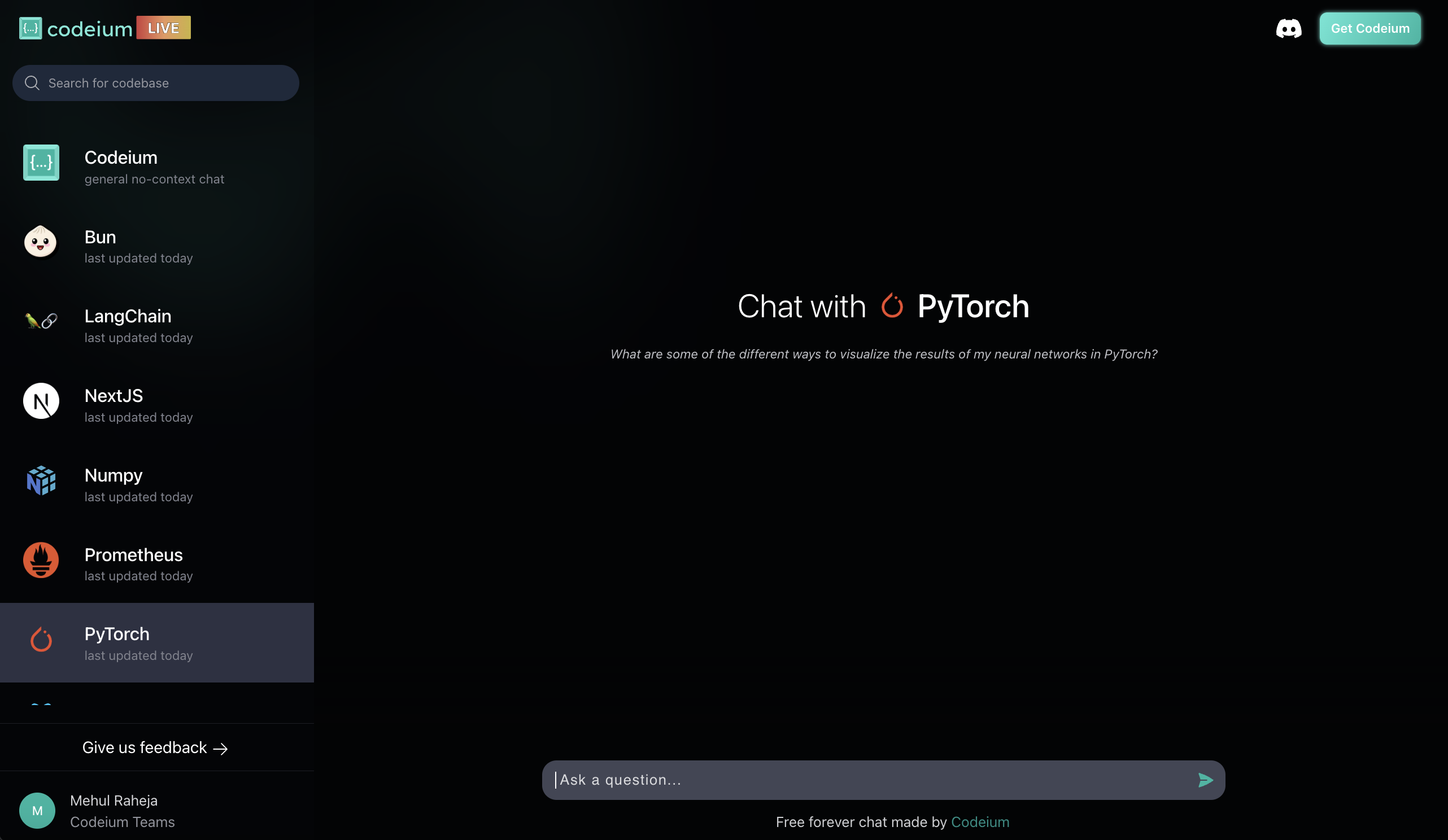
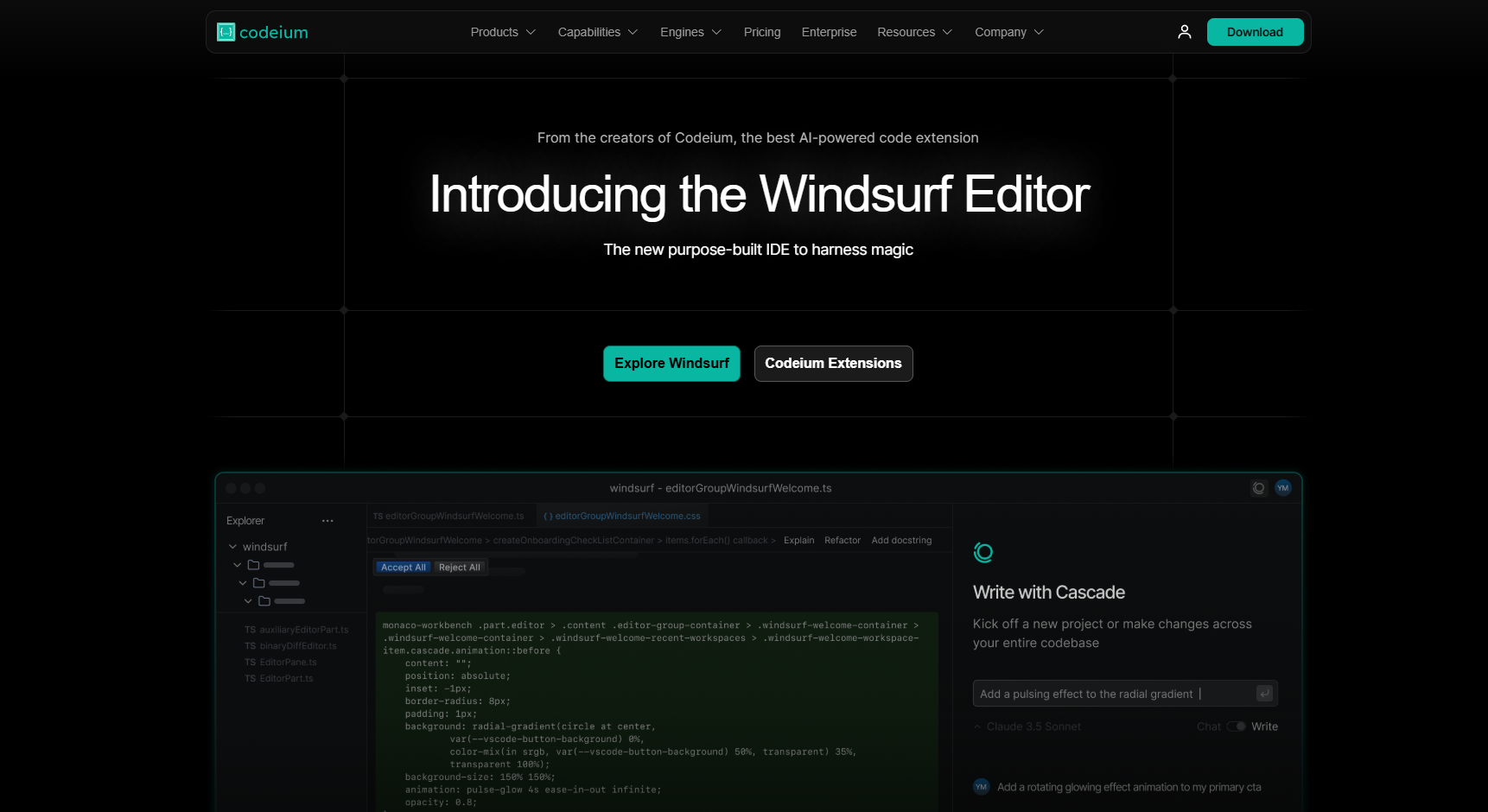
Codeium is a free AI-powered coding assistant that helps developers write, autocomplete, and understand code faster. It’s designed for developers who want powerful AI features without paying for premium tools.

Key Capabilities

AI code autocomplete
AI chat assistant
Code search and explanation
Multi-language support
IDE integrations
Code refactoring suggestions
Context-aware completions
Custom AI models
Self-hosted enterprise option
Real-time coding assistance

Top Use Cases

  • Visual Studio Code
  • JetBrains IDEs
  • Vim
  • Neovim
  • GitHub
  • GitLab
Verified ROI & Case Study

“Developers reported faster coding workflows and reduced repetitive work, with significant time savings due to real-time autocomplete and AI-assisted debugging.”

Frequently Asked Questions

What is Codeium used for?

Codeium is used for AI-assisted coding, including autocomplete, debugging, and code generation. It helps developers write code faster and reduce repetitive tasks.

Is Codeium really free?

Yes, Codeium offers a strong free plan with core features like autocomplete and chat. Paid plans unlock advanced models and higher usage limits.

How does Codeium compare to GitHub Copilot?

Codeium is a strong free alternative to Copilot, offering similar autocomplete features. However, Copilot may provide more advanced context and enterprise features.

Does Codeium support multiple programming languages?

Yes, Codeium supports a wide range of programming languages, making it suitable for diverse development workflows

Can Codeium be used in VS Code?

Yes, Codeium integrates with VS Code, JetBrains IDEs, and other editors like Vim and Neovim. This makes it easy to use within existing workflows.