VEED

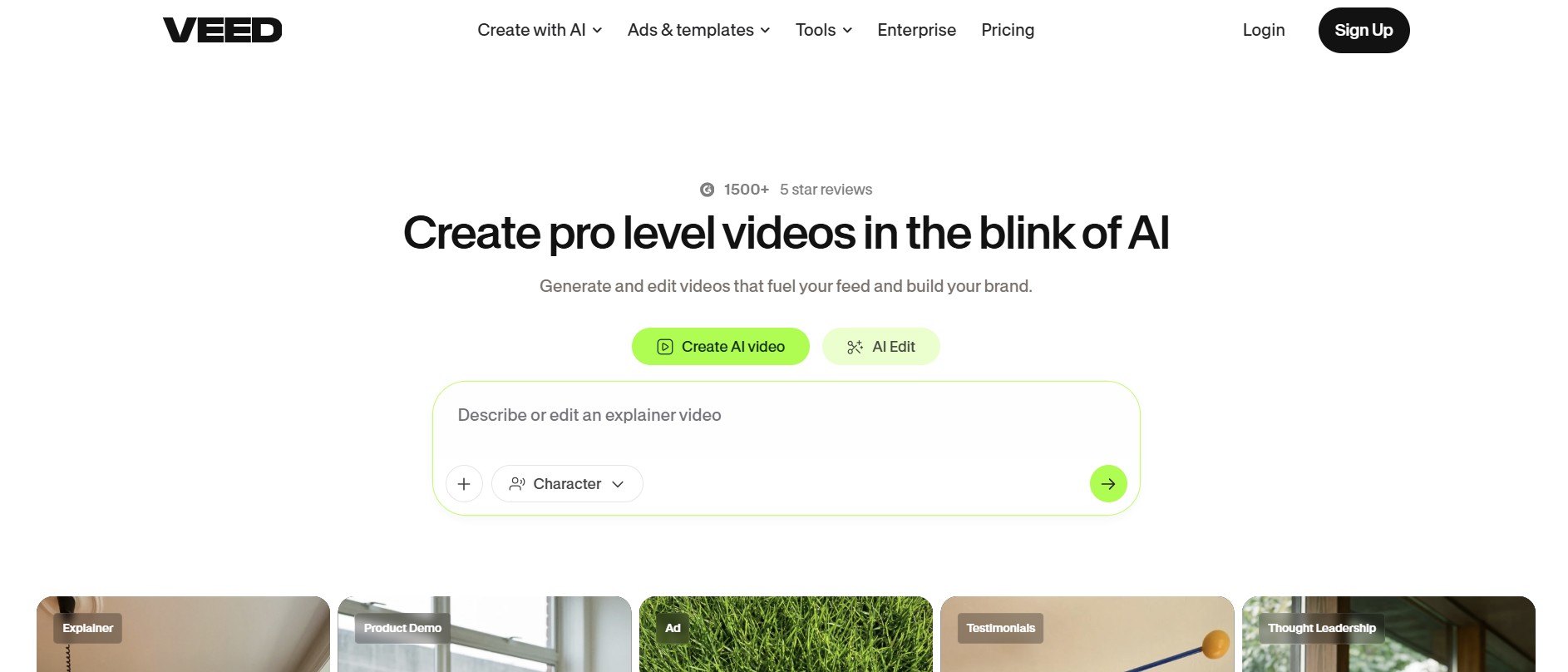
Create, edit, subtitle, and publish videos from one browser

4.6/5 Rating Freemium - $9/month billed annually Free exports contain watermarks, AI features have usage limits, premium exports require paid plans, plan availability varies by billing method Free Trial Available

Enterprise Technology Specs

Underlying Engine VEED AI, Fabric 1.0, third-party AI models depending on feature
Compliance & Security SOC 2 Certified
Data Privacy GDPR and CPPA
Deployment Time <5 minutes

Product Demo

The Deep Dive

VEED is the kind of tool that becomes useful when your video workflow keeps expanding. You might start by trimming a clip, then need subtitles, a voiceover, a resized version for Instagram, an AI avatar, and a cleaner audio track. Instead of moving through five different apps, VEED puts those jobs in one browser workspace.

That flexibility is its biggest selling point. It is not only an AI generator and not only a traditional editor. It sits somewhere between the two, which makes it practical for marketing teams and creators producing content frequently.

The trade-off is that users wanting one extremely specialized workflow may find VEED broader than necessary. But for teams that need to create, edit, localize, caption, and publish video repeatedly, that breadth is exactly what makes it attractive.

Key Capabilities

AI Video Generator
AI Avatars
AI Voice Generator
Voice Cloning
Text to Video
AI Image Generator
AI Clip Generator
AI Script Generator
Automatic subtitles
Video translation
AI dubbing
Background removal
Audio cleanup
Eye Contact AI
Video templates
Video APIs

Top Use Cases

  • Social media videos
  • Marketing campaigns
  • Training videos
  • Product demos
  • Pitch videos
  • Corporate communications
  • Video ads
  • AI avatar presentations
  • Short-form content
  • Video repurposing
Verified ROI & Case Study

“PandaDoc reported that its first four VEED-created videos generated more than 40,000 LinkedIn impressions.”

Frequently Asked Questions

Is VEED free?

Yes. VEED has a free version with basic editing capabilities, but free exports include a watermark.

Can VEED create AI avatar videos?

Yes. VEED includes AI avatars for business, training, marketing, and other video workflows.

Does VEED work without installing software?

Yes. VEED is primarily browser-based and can be used without installing a desktop video editor.

Can VEED generate subtitles automatically?

Yes. Automatic subtitles and caption-generation tools are part of VEED's platform.

Does VEED support 4K video?

Yes. Paid plans can provide higher-resolution exports, including 4K depending on the plan.