Expensify

Expense management made simple

4.6/5 Rating Paid - Free Advanced accounting features require paid plans,Some payment services have transaction fees Free Trial Available

Enterprise Technology Specs

Underlying Engine Proprietary OCR AI,Machine Learning Models,Receipt Recognition AI
Compliance & Security SOC2 Type II, GDPR
Data Privacy Trains on anonymized data
Deployment Time 10–30 minutes

Product Demo

The Deep Dive

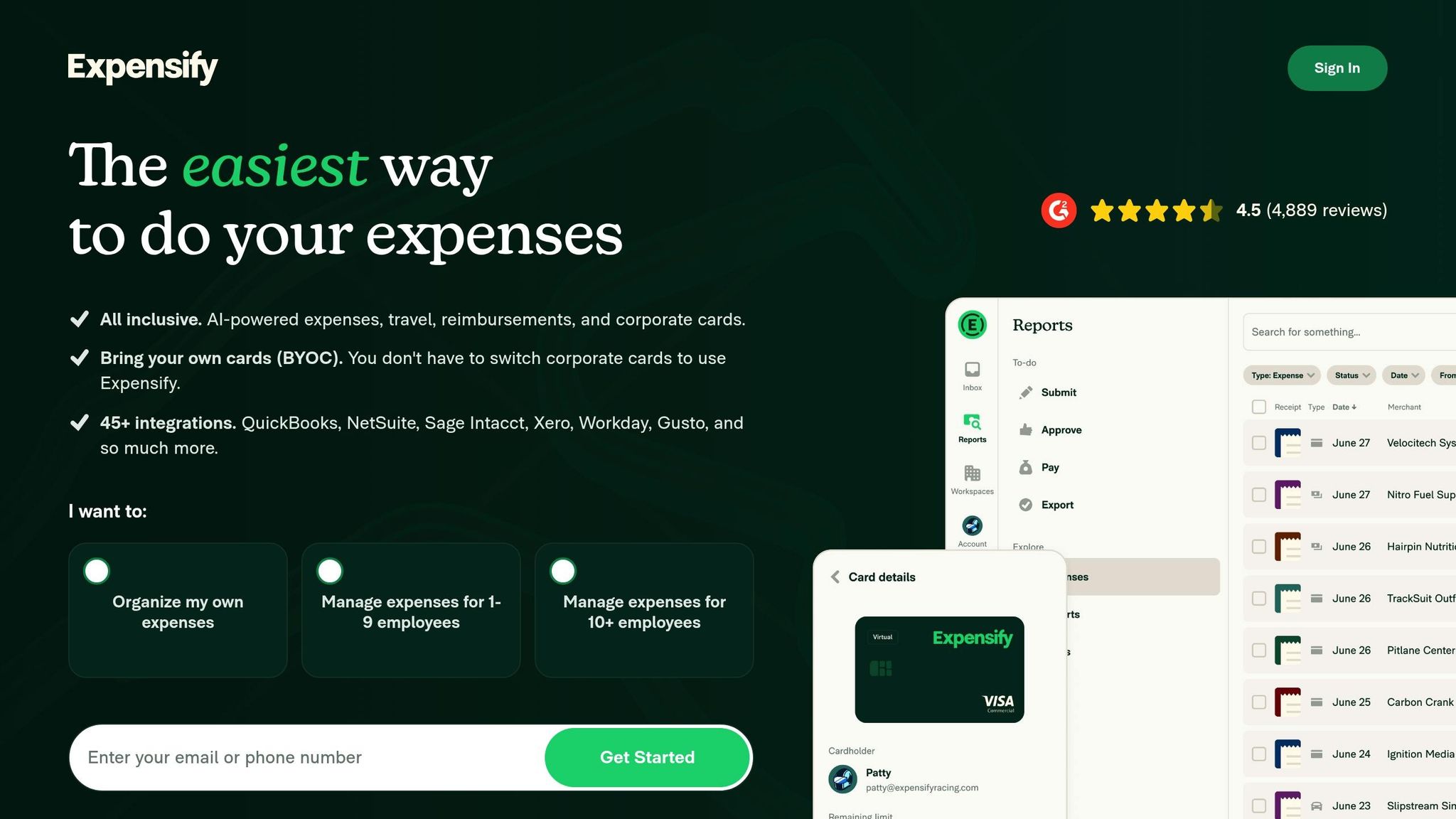
Expensify makes one of the most repetitive business tasks much easier tracking expenses. Instead of saving paper receipts and manually entering transactions into spreadsheets, employees can capture receipts with their phone while the platform handles much of the data entry automatically. Finance teams benefit from faster approvals, cleaner reports, and easier accounting integrations. The software is especially useful for companies with traveling employees or frequent reimbursements. While larger organizations may spend time configuring policies and workflows, day-to-day use remains straightforward for most employees. Expensify focuses on reducing administrative work rather than adding complexity, making it a practical solution for businesses that want to modernize expense management without adopting an overly complicated finance platform.

Key Capabilities

Smart receipt scanning
Expense reports
Corporate cards
Bill payments
Invoice management
Travel expense tracking
Mileage tracking
Approval workflows
Accounting automation
Mobile app

Top Use Cases

  • Employee expense tracking
  • Business travel management
  • Receipt management
  • Invoice processing
  • Corporate card reconciliation
  • Finance automation
Verified ROI & Case Study

“Expensify reports that SmartScan automatically extracts receipt details, reducing manual expense entry and speeding reimbursement workflows.”

Frequently Asked Questions

Is Expensify free?

Expensify offers a free option for individuals, while businesses can choose paid plans with advanced expense management features and automation.

How does receipt scanning work?

Users simply upload or photograph receipts. Expensify's SmartScan technology extracts key information automatically for expense reports.

Does Expensify integrate with accounting software?

Yes. Expensify integrates with QuickBooks, Xero, NetSuite, Sage Intacct, Oracle, and several other finance platforms.

Can employees submit expenses from mobile devices?

Yes. The mobile app lets users capture receipts, submit reports, track reimbursements, and manage expenses from anywhere.

Is Expensify suitable for large companies?

Yes. It supports approval workflows, corporate cards, and scalable expense management for growing businesses and enterprises.